















Biurokoncept.
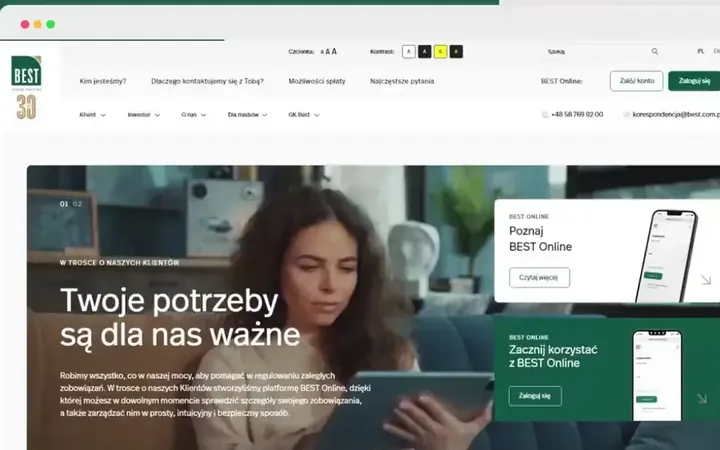
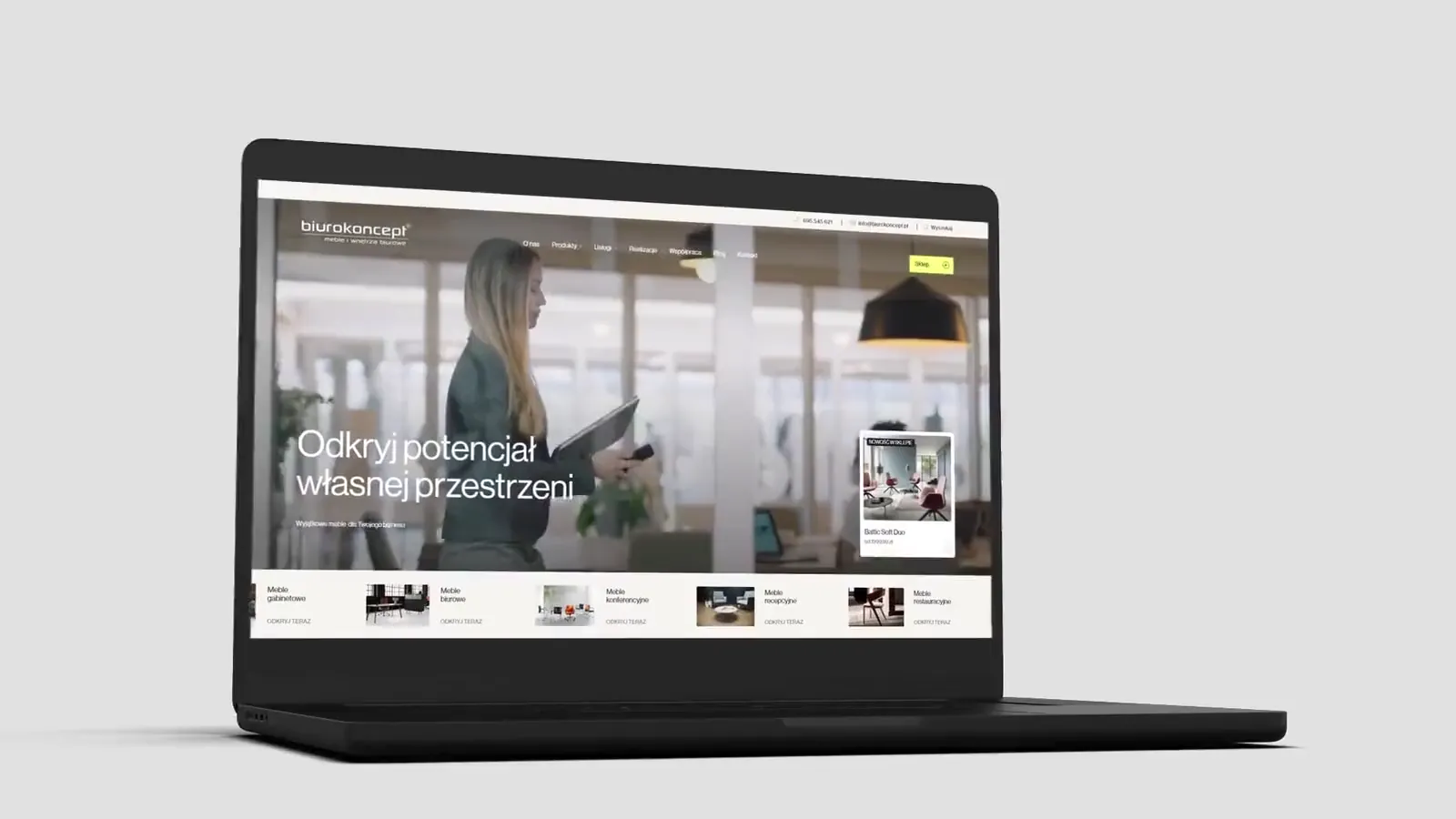
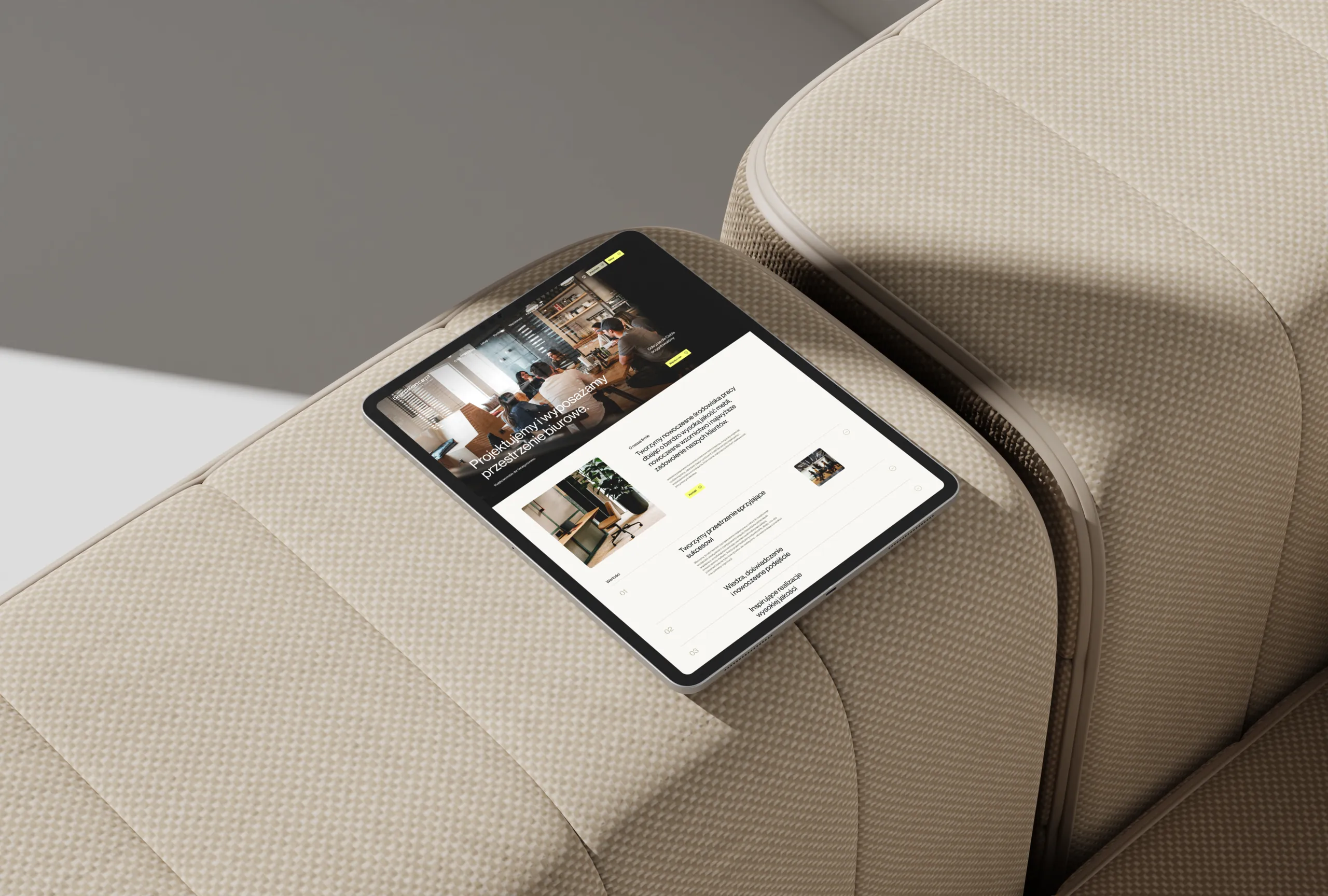
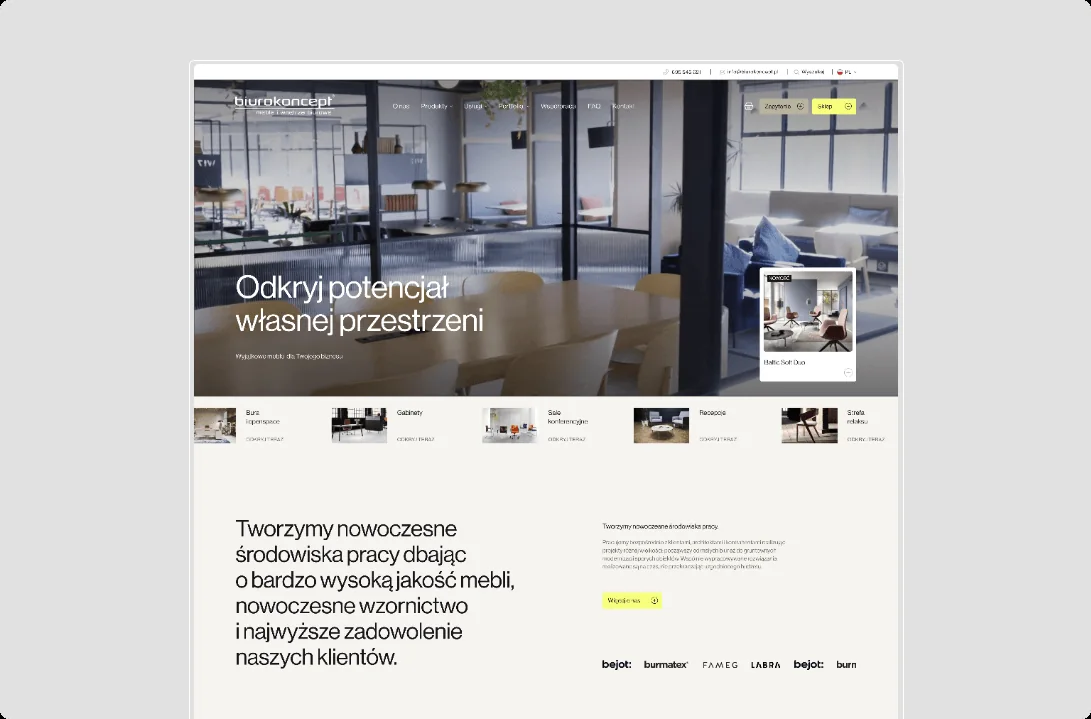
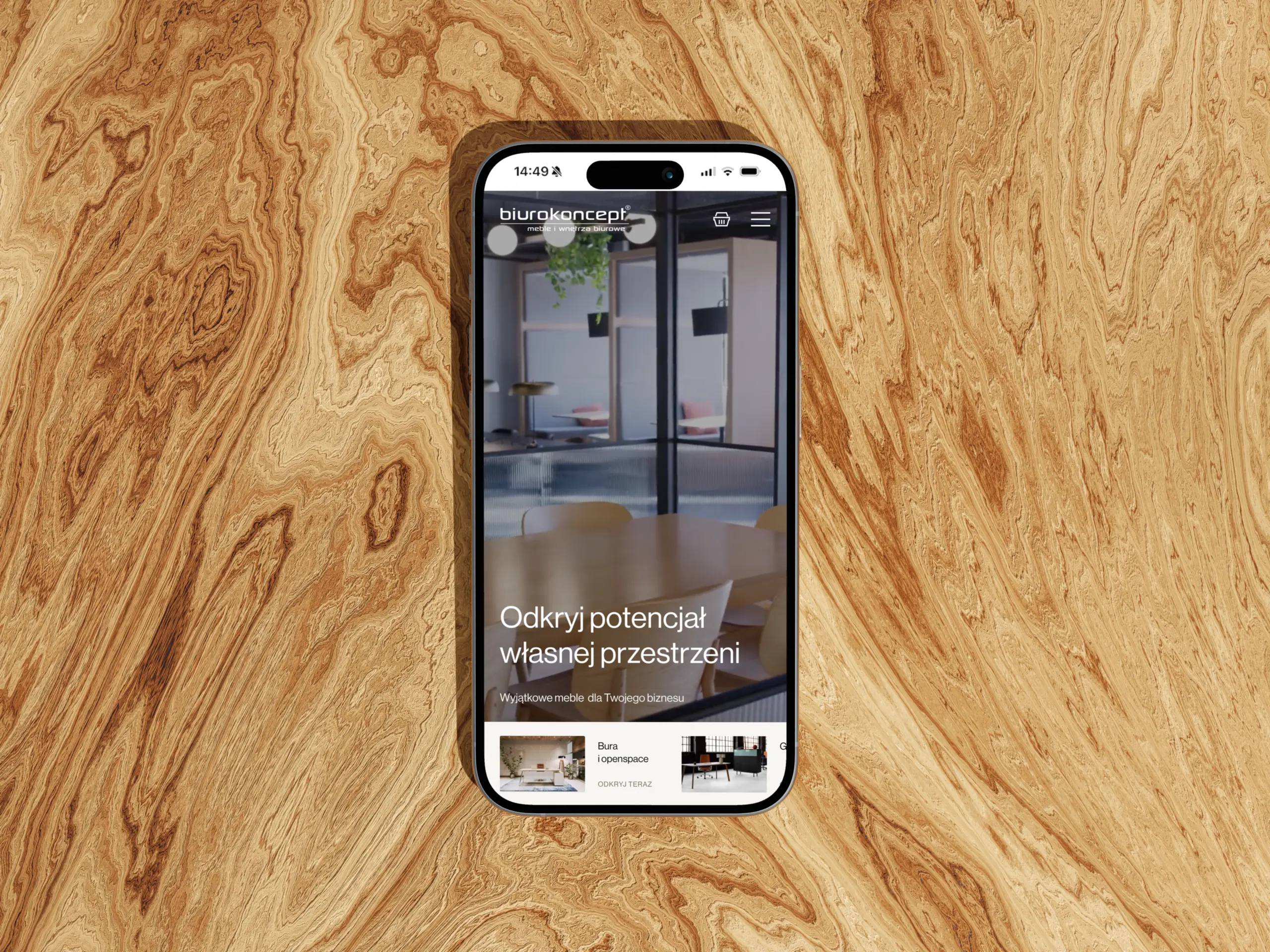
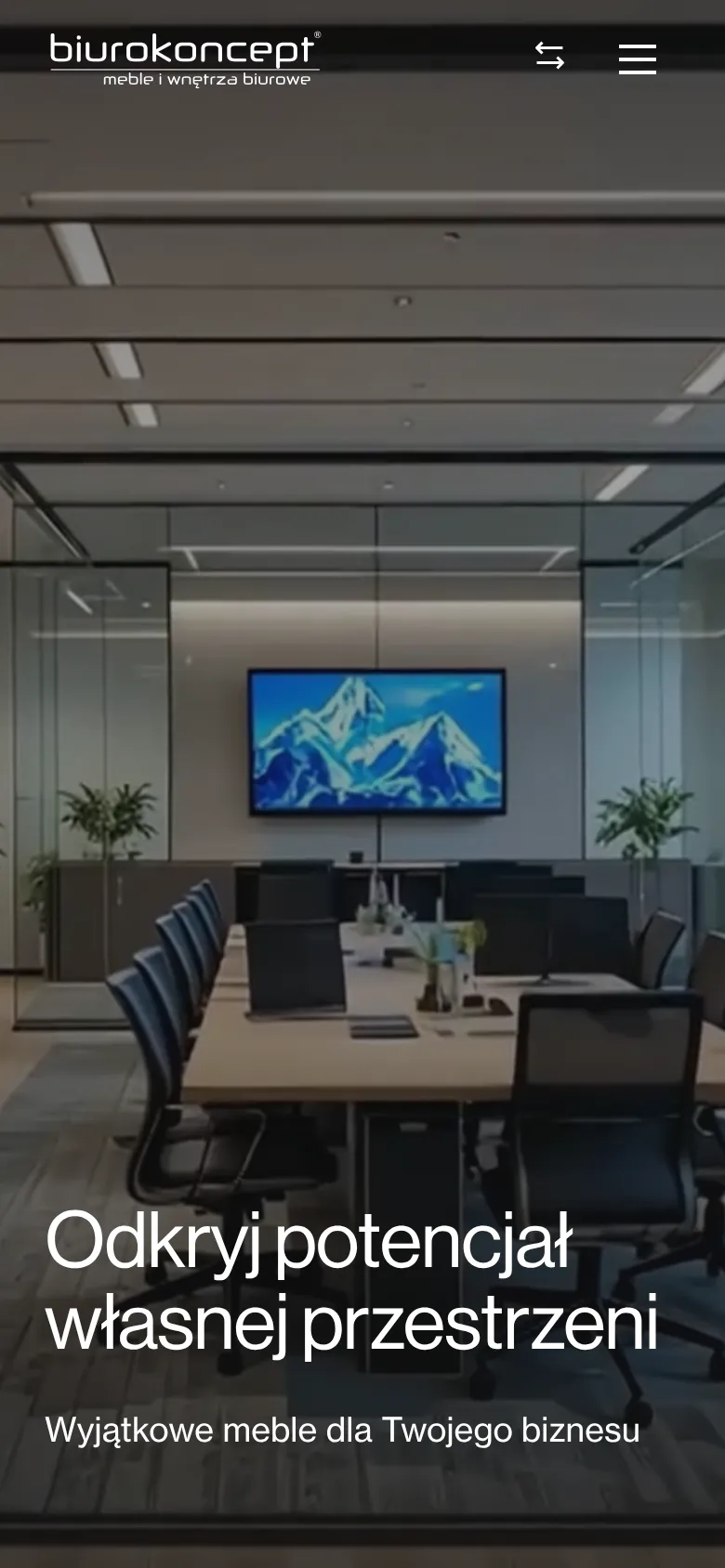
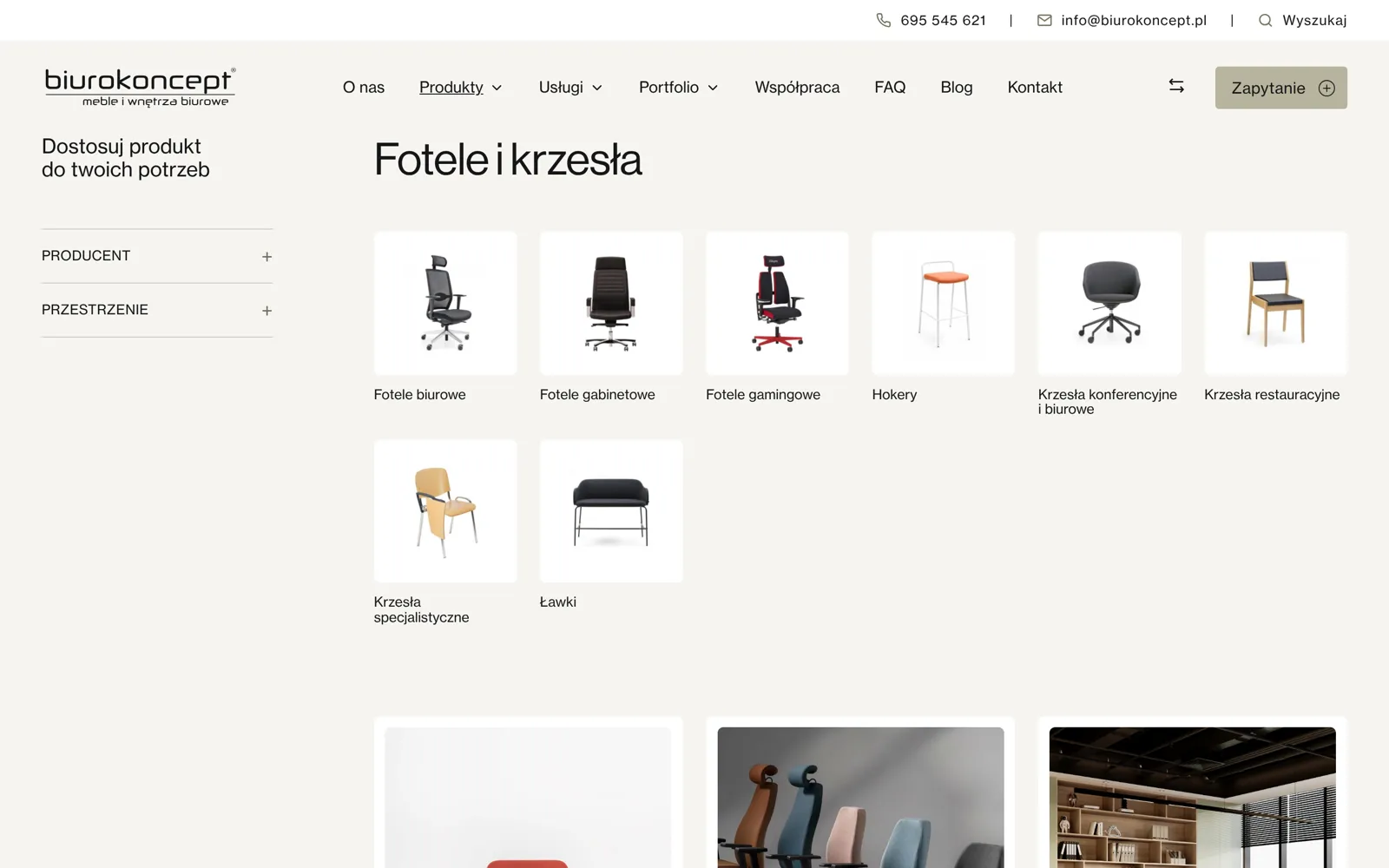
The biurokoncept.pl website, with a catalogue of over a thousand pieces of furniture, the pCon configurator and an enquiry cart.
- Strategy workshops
- UI/UX Design
- Website
- Coding
- pCon implementation
- CMS panel
- Content entry
- Rollout
- Client
- Biurokoncept
- Industry
- Furniture
- Website
- biurokoncept.pl
About the project
Biurokoncept creates functional, modern workspaces that are comfortable for the team and welcoming for clients. It takes care of everything in turn, from interior design and choosing furniture and equipment to logistics, installation and servicing.
- Goal01
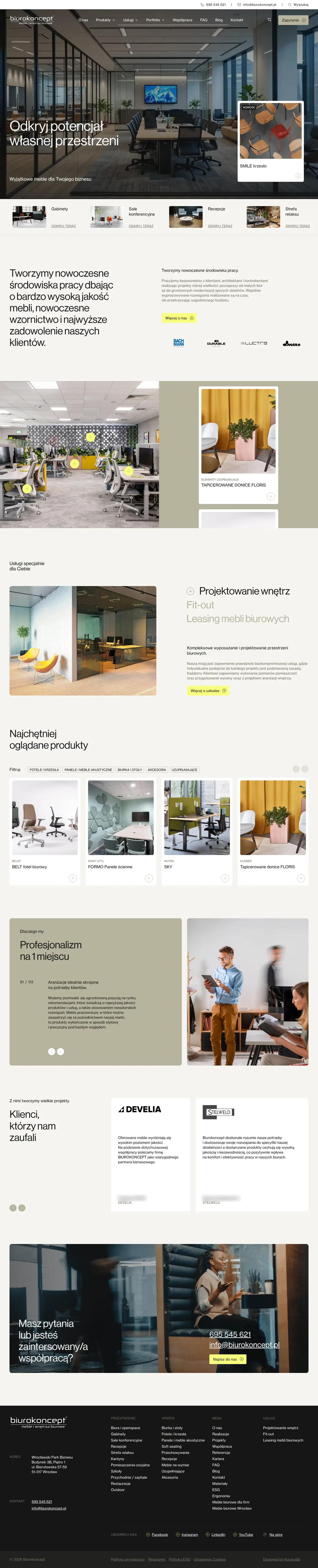
- Show the whole offer clearly, through visualisations, project photos and room arrangements, so that Biurokoncept comes across as an expert in fitting out offices rather than a furniture catalogue. On top of that, a product configurator, an enquiry cart and navigation that takes customers straight to what they want.
- Solution02
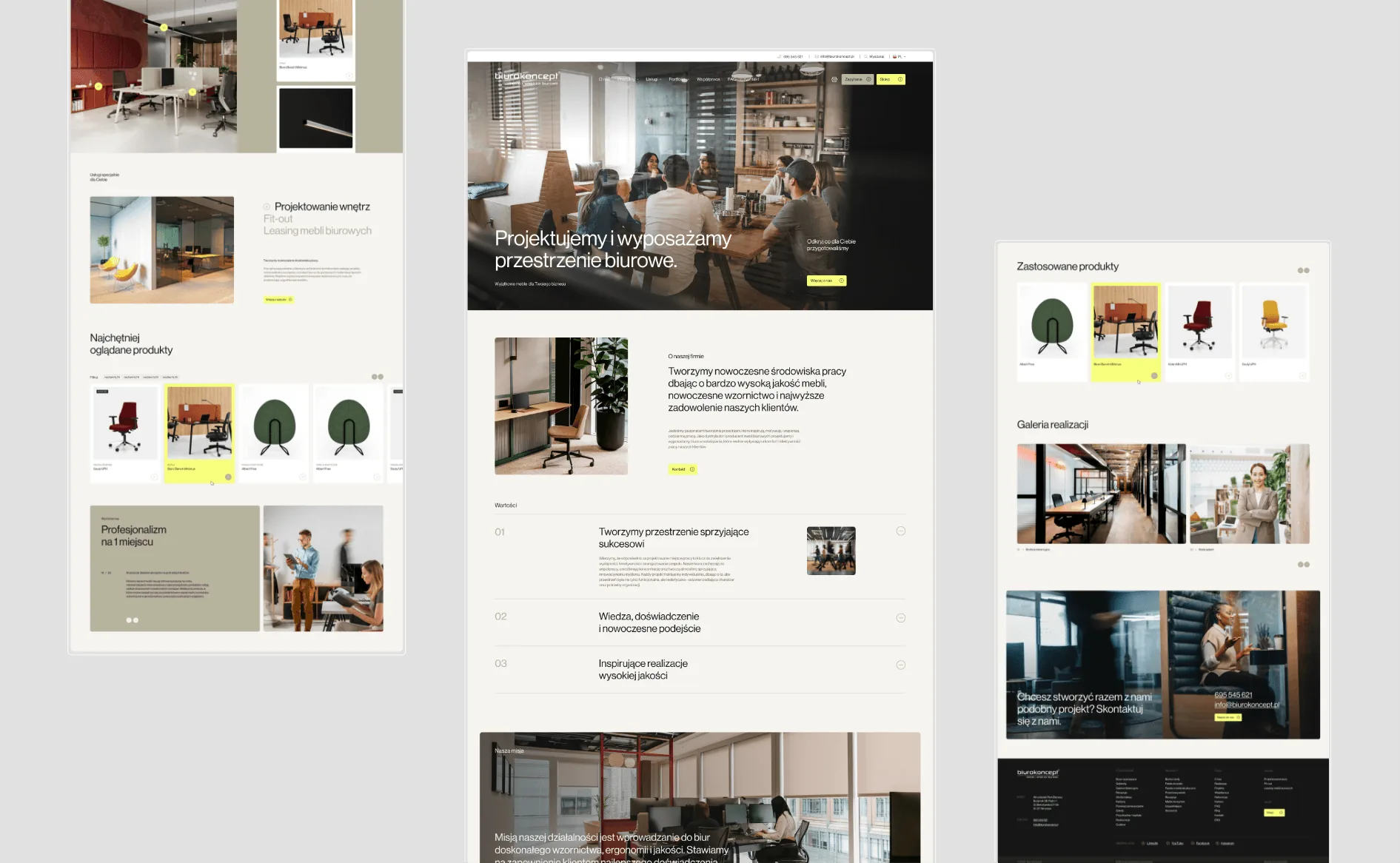
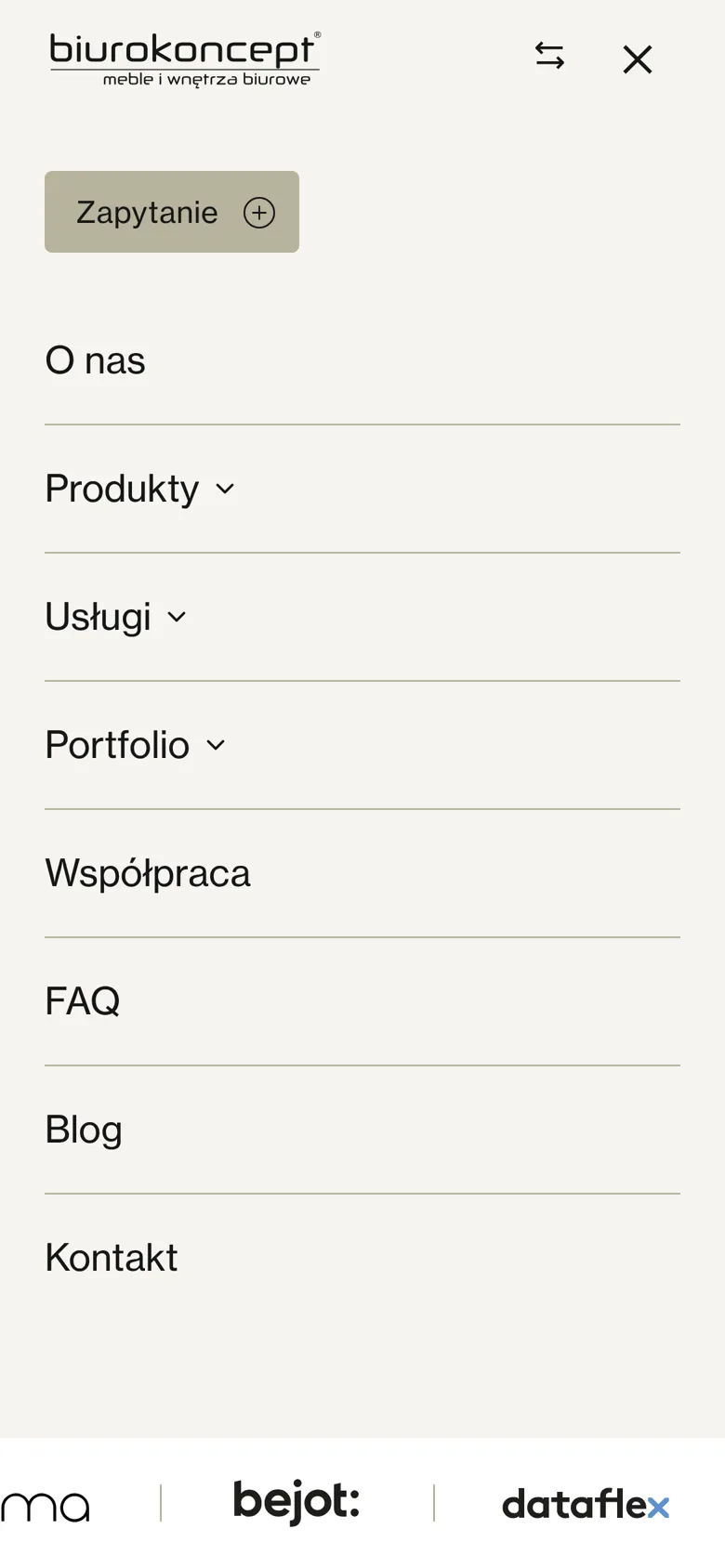
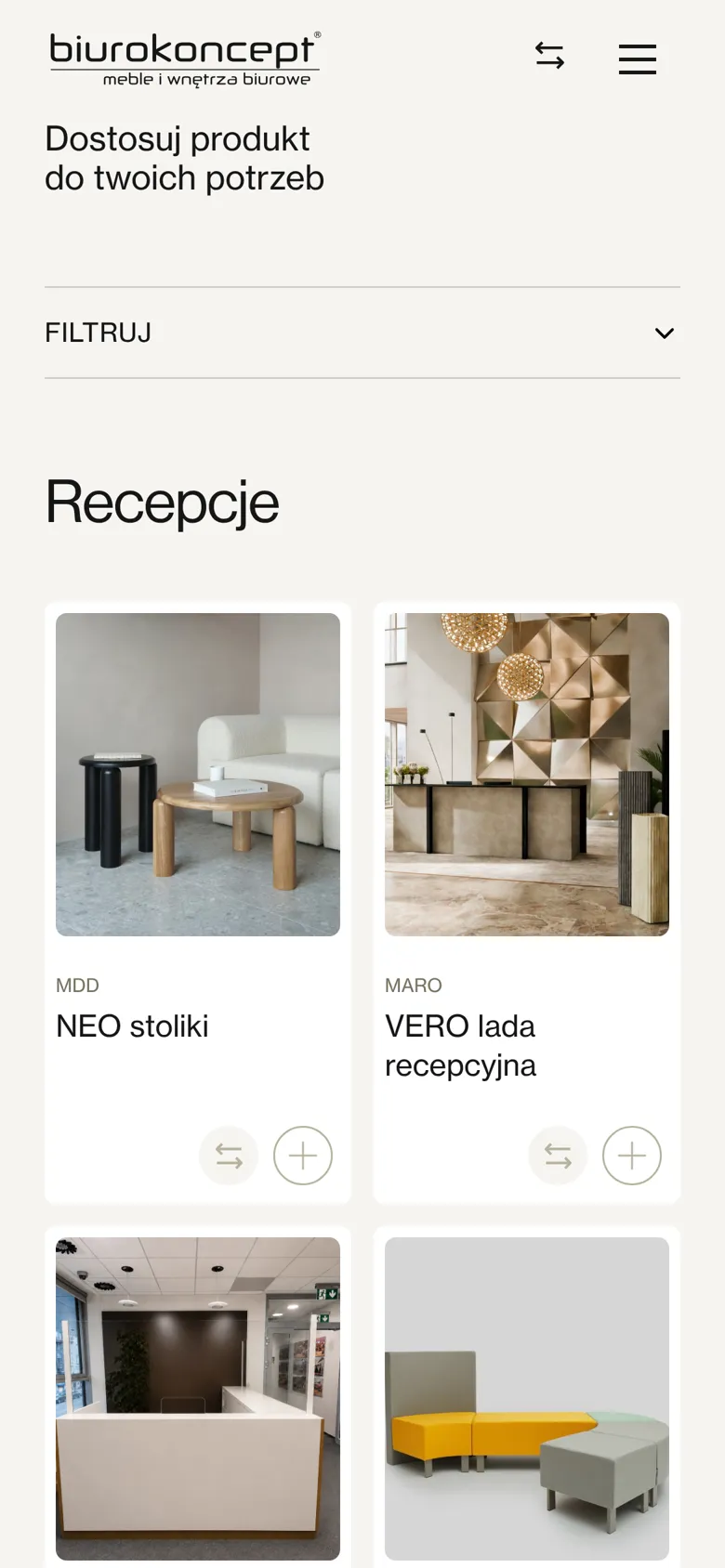
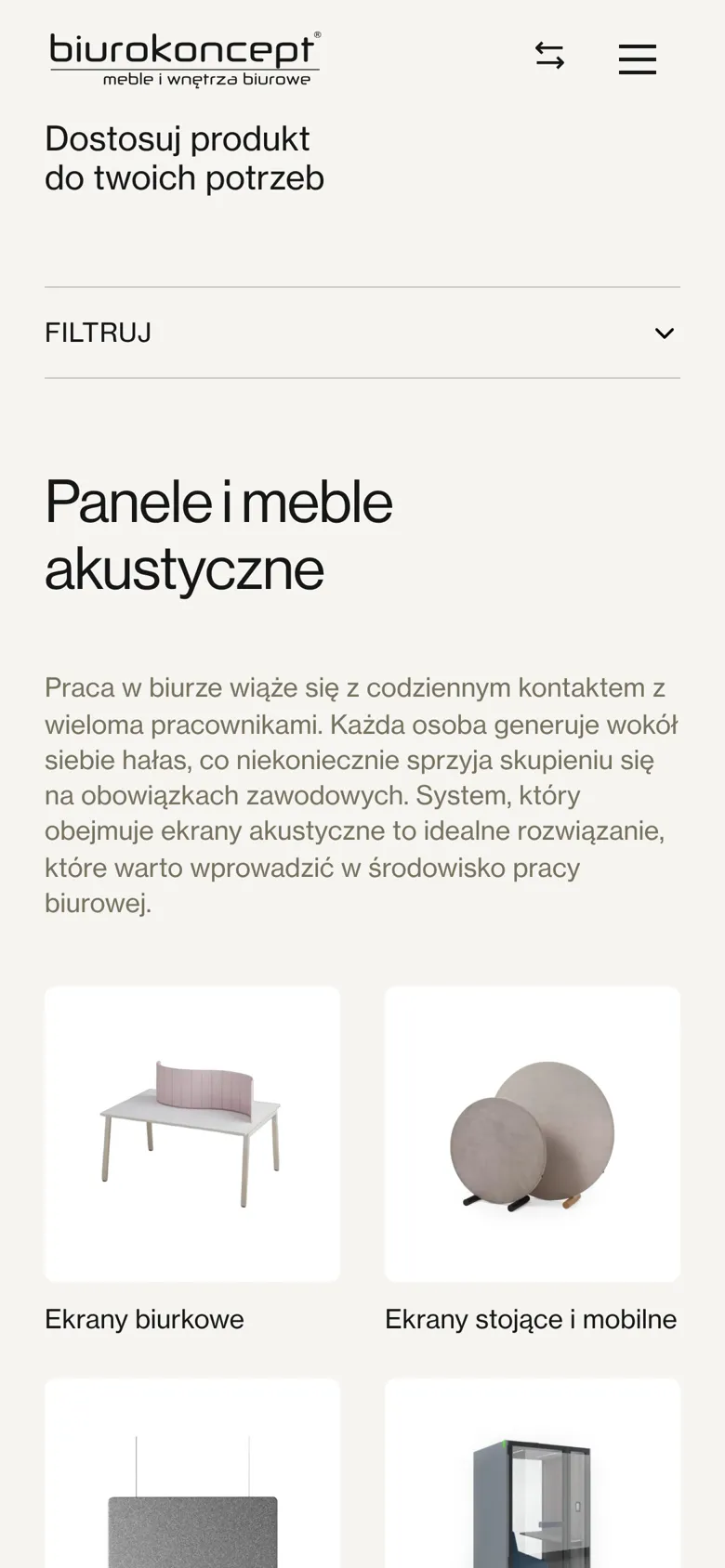
- A new key visual: minimalist layouts, plenty of light, new colours and smooth animations. Tidier navigation with three ways into the offer, and an extended product menu with new groups. At the heart of the site is a clear product page with the pCon configurator.
- Result03
- Customers browse the offer the way they think about an office, put the product together themselves in the configurator, and the sales rep receives an enquiry with the configuration ready. The Biurokoncept team adds products and connects the configurator to them on its own, without a developer.
- 1 000+
- products in the catalogue
- 32
- manufacturer brands
- 11
- spaces, from reception to outdoor
- 10
- product groups with icons in the menu
How it works
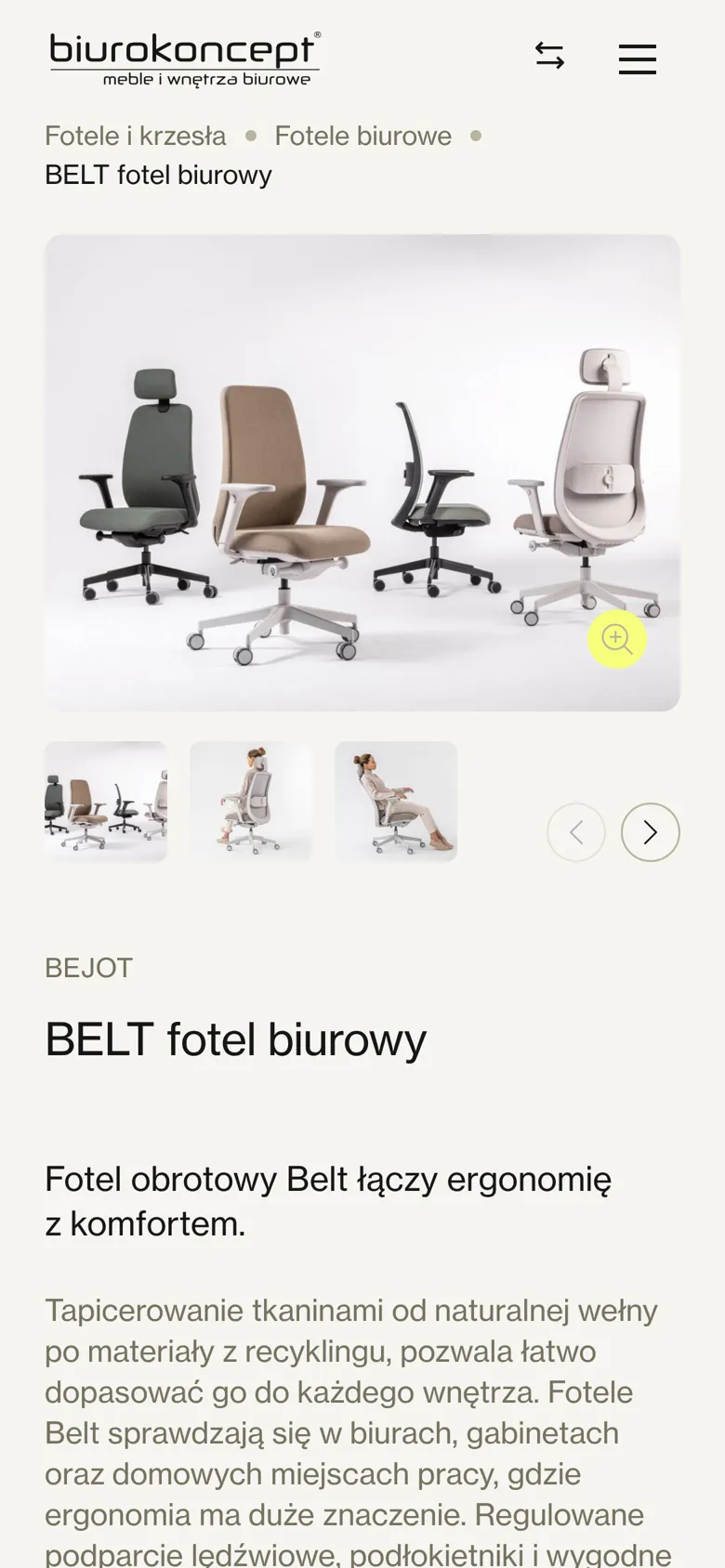
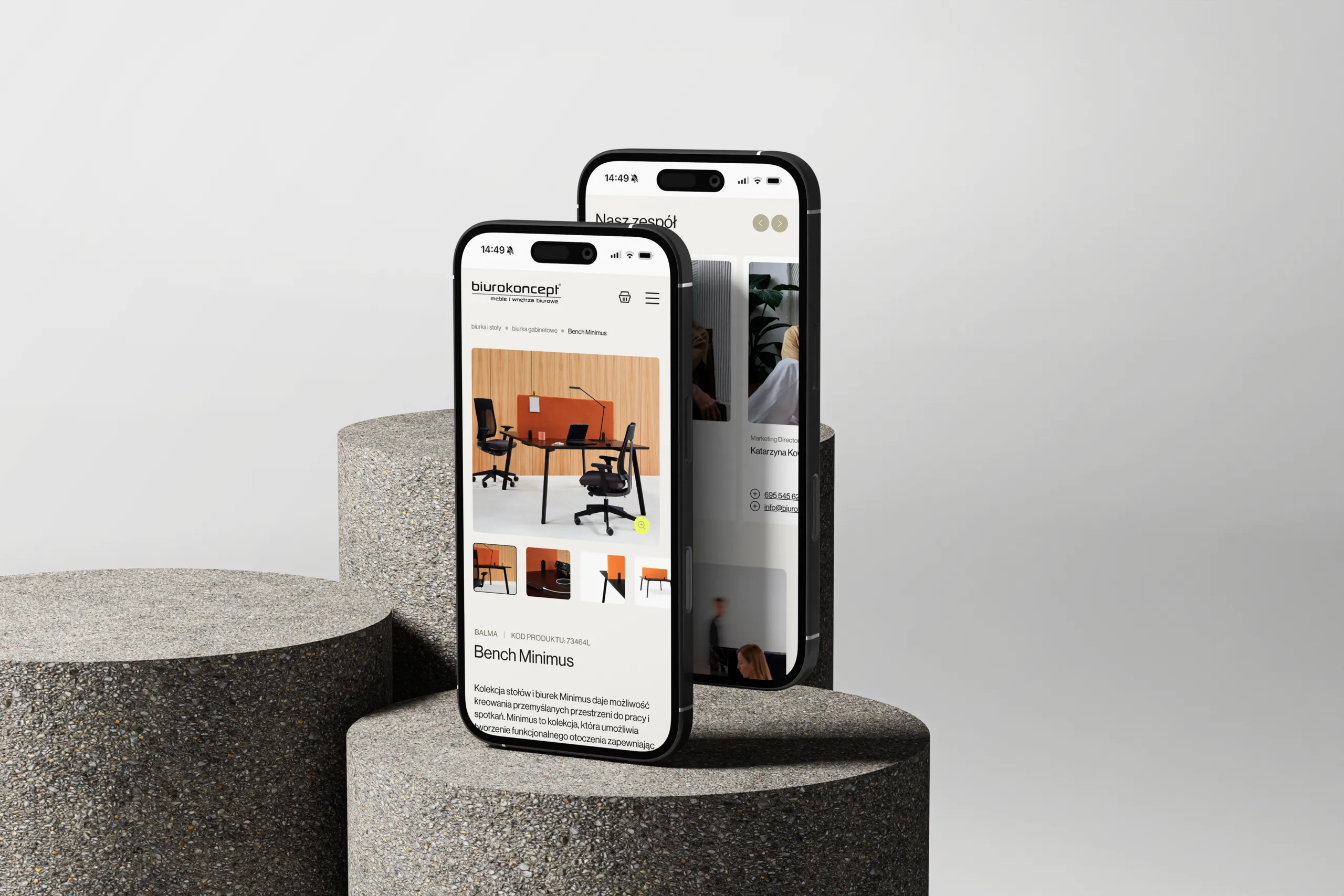
The configurator, three ways into the offer and the product page
pCon configurator
A desk customers put together themselves
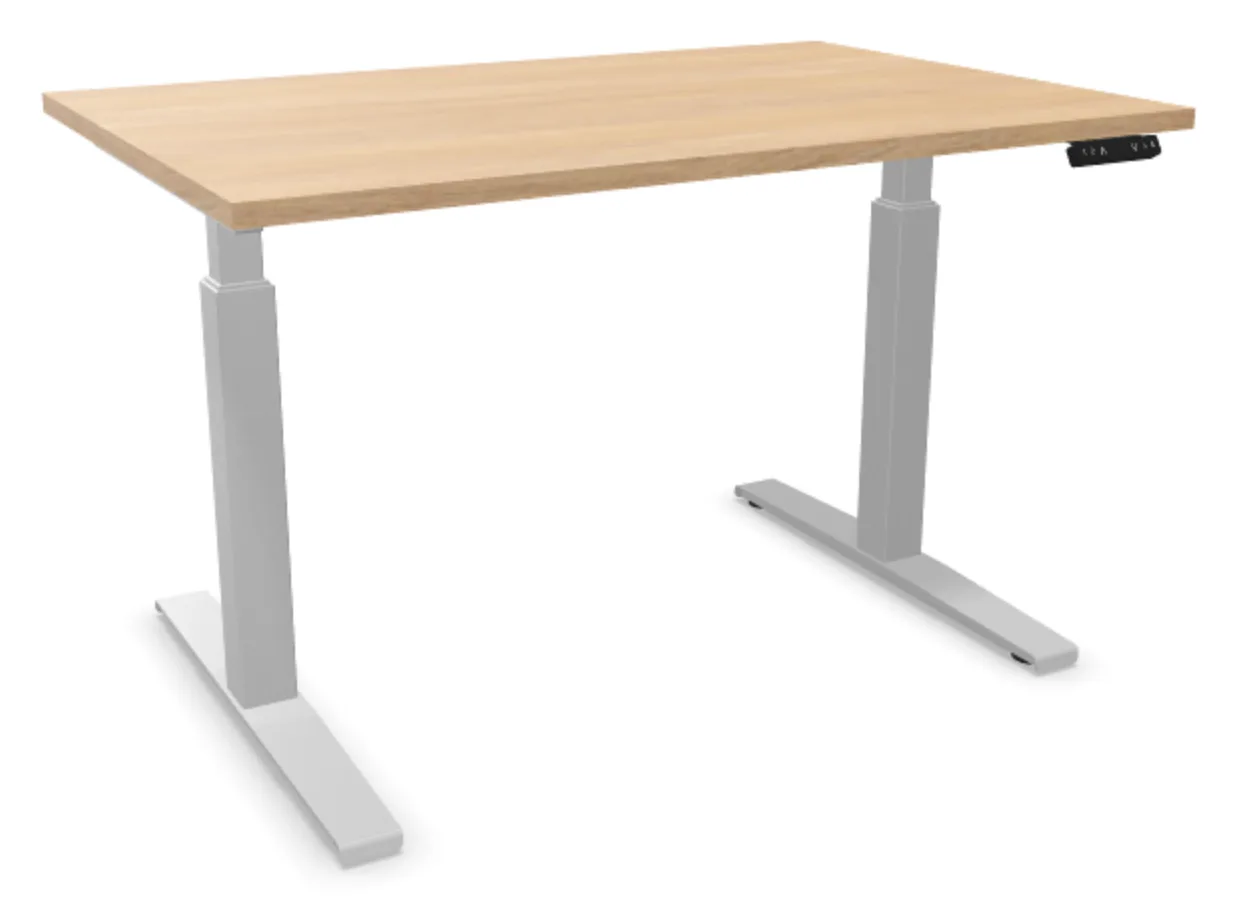
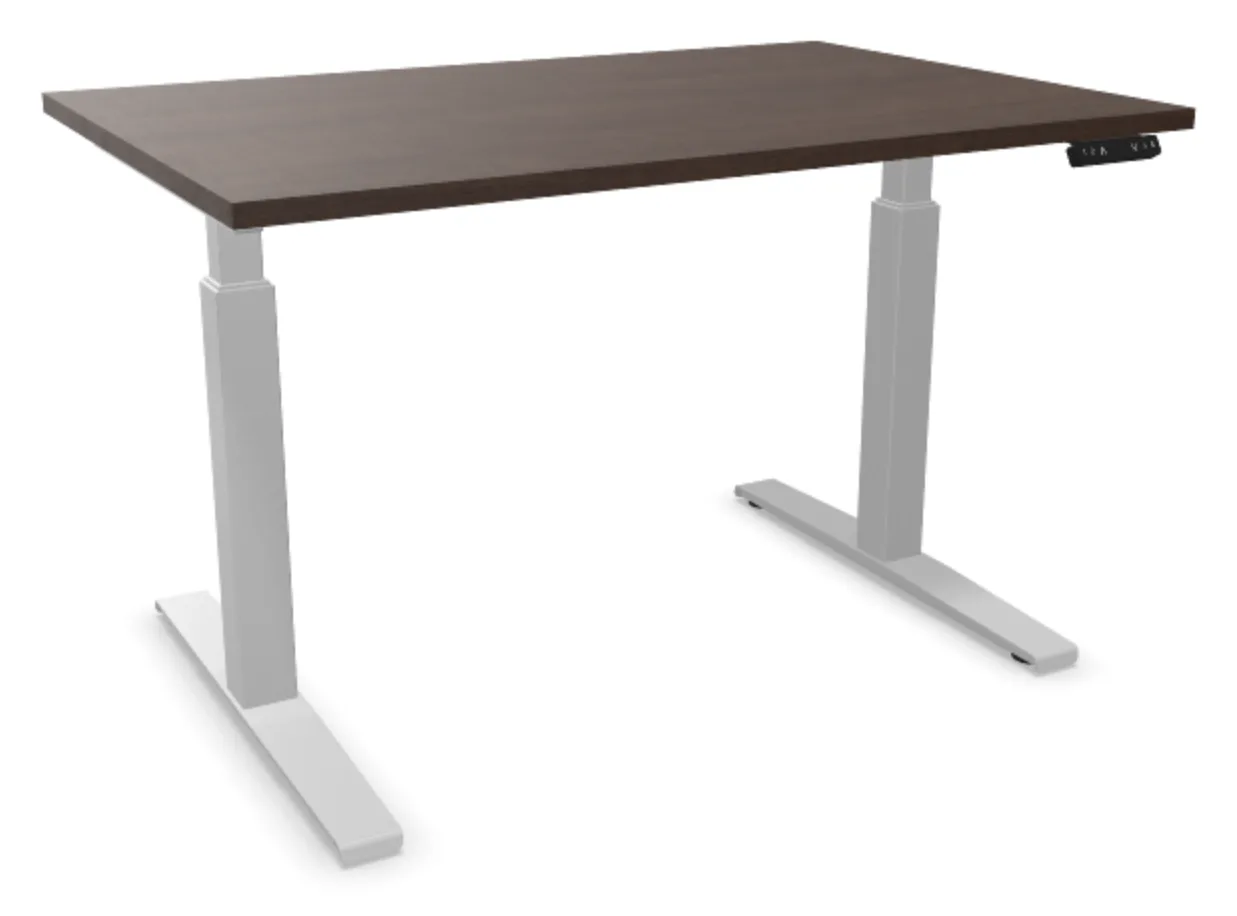
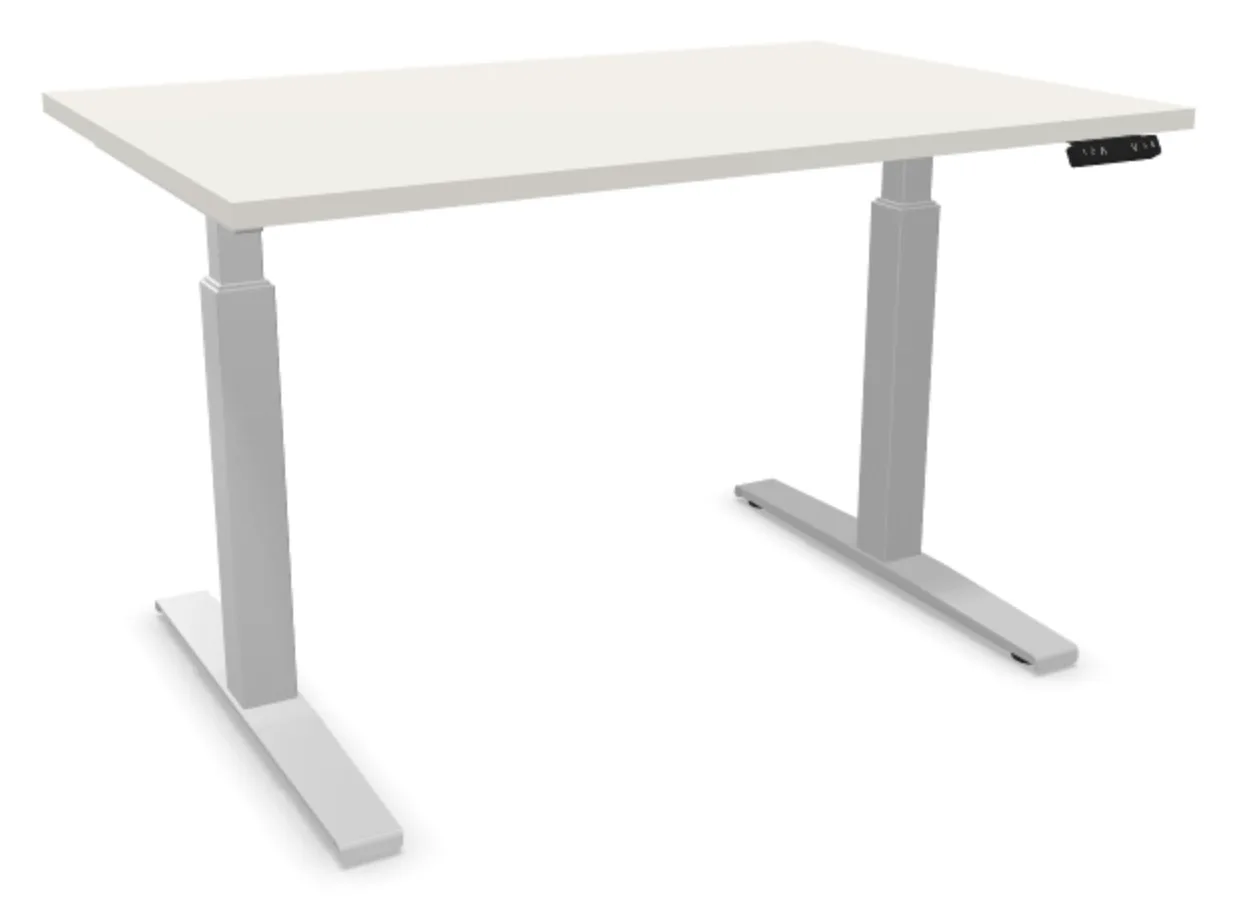
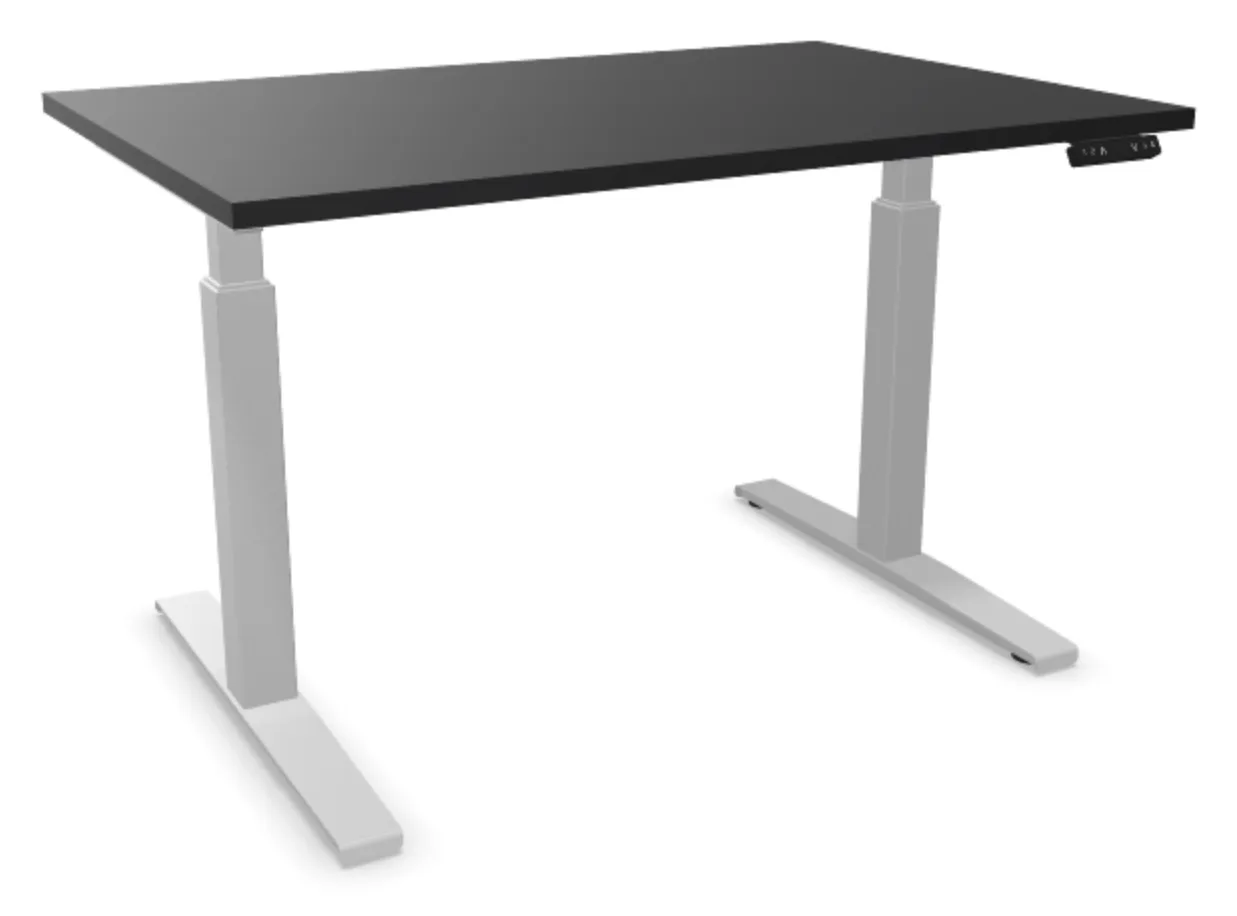
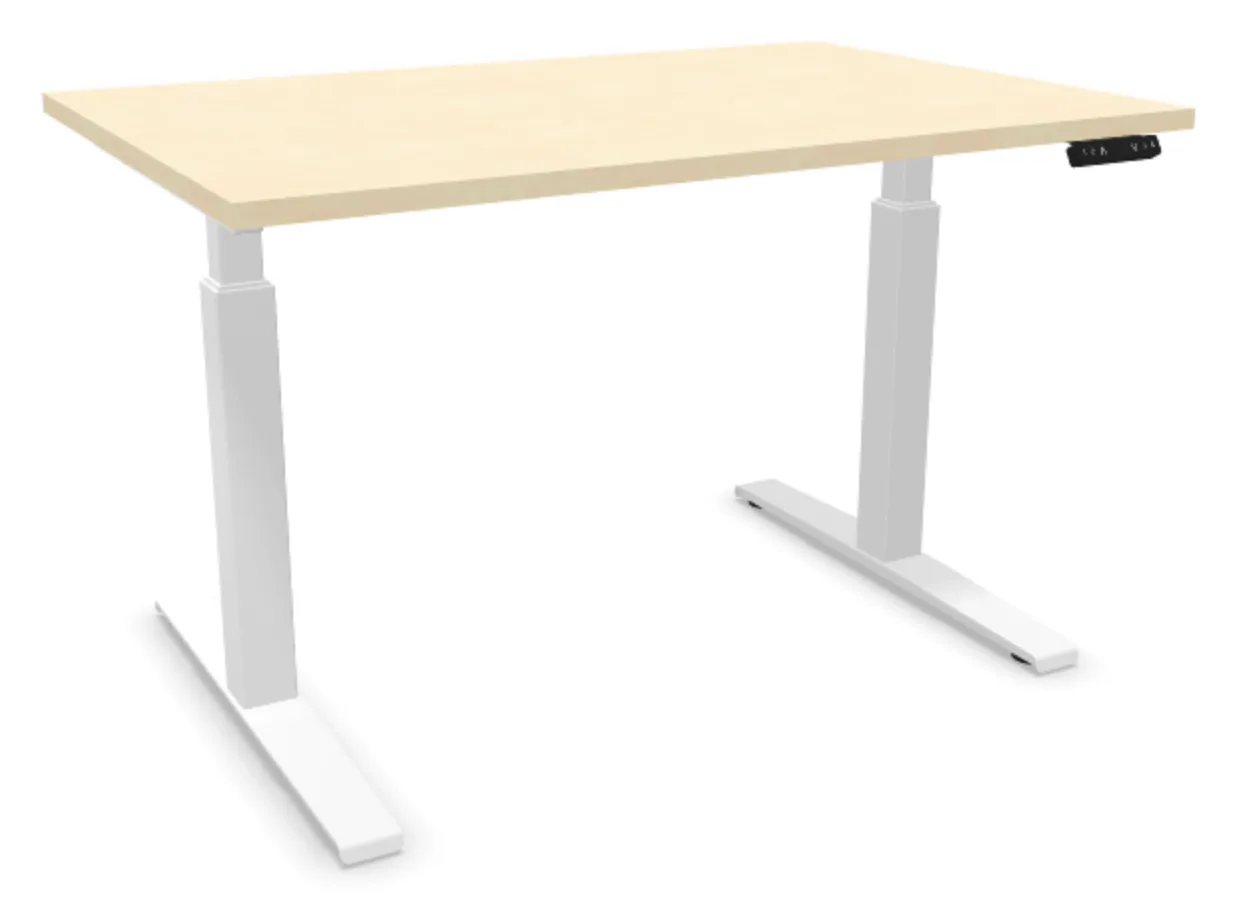
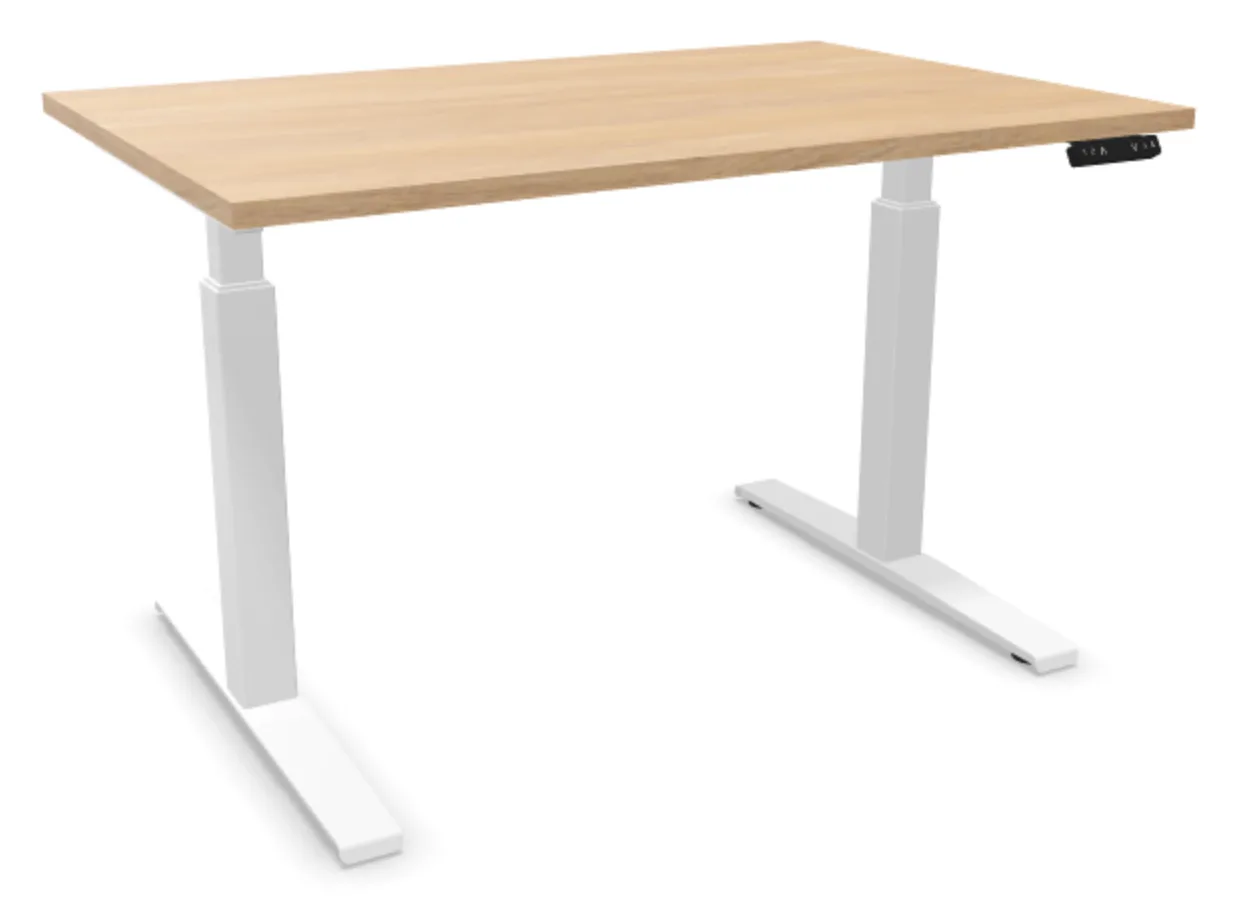
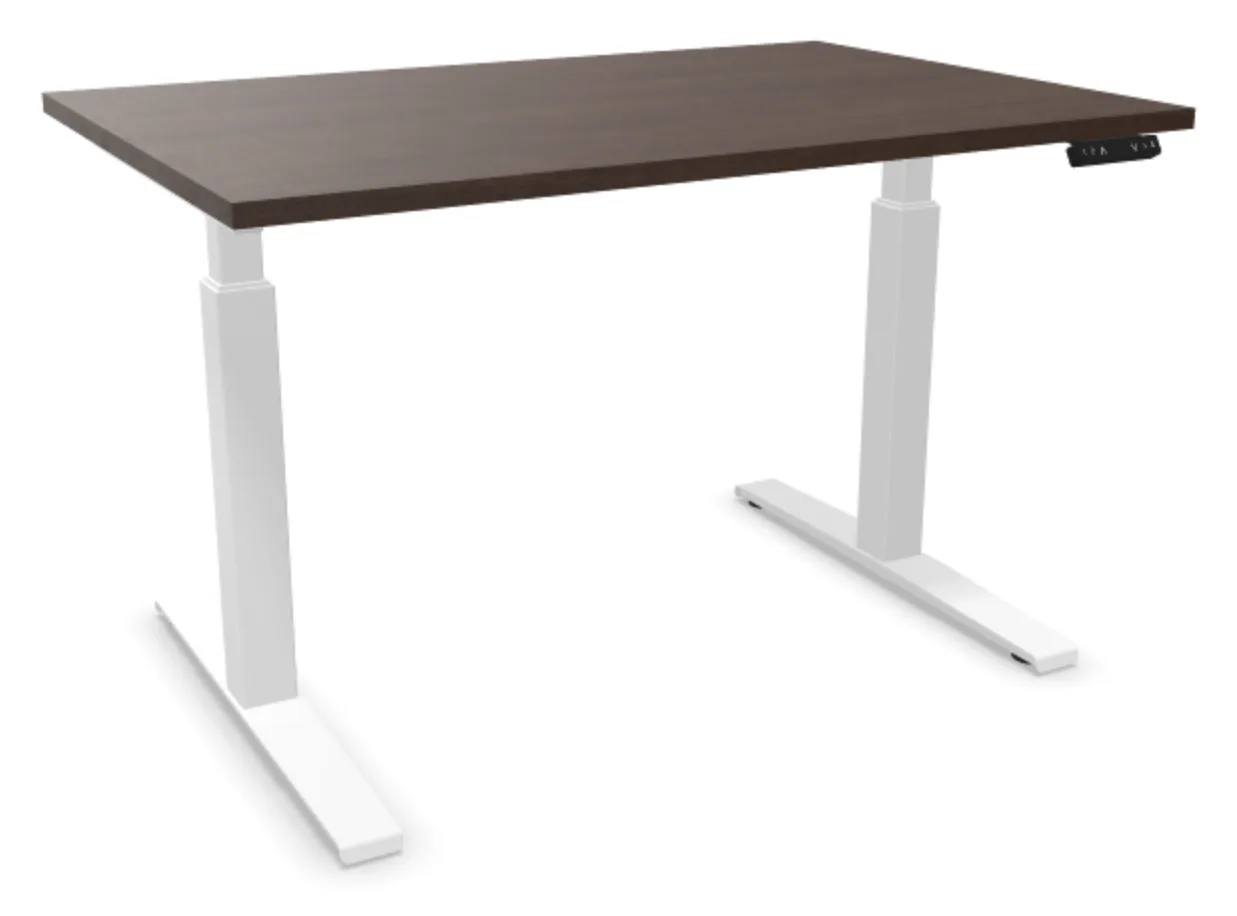
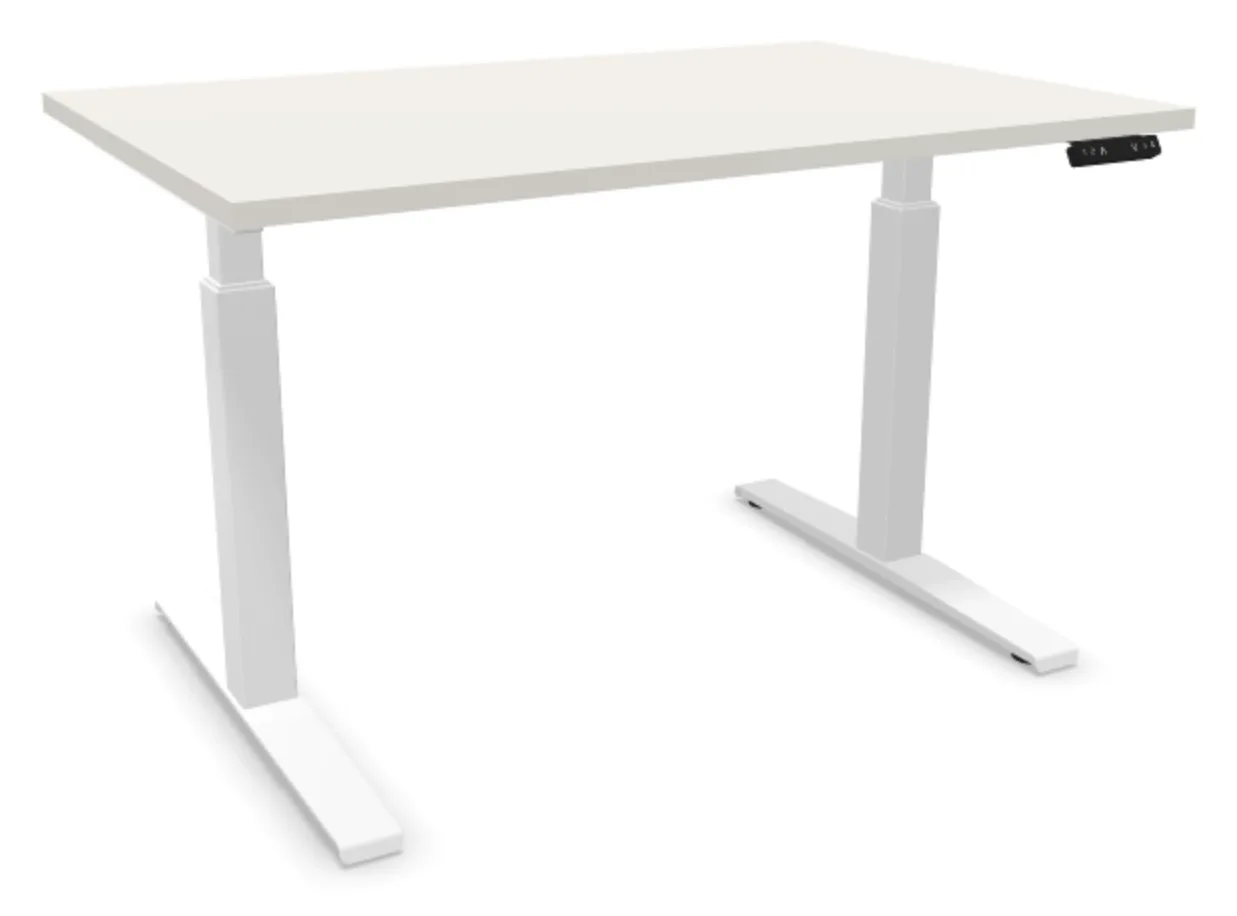
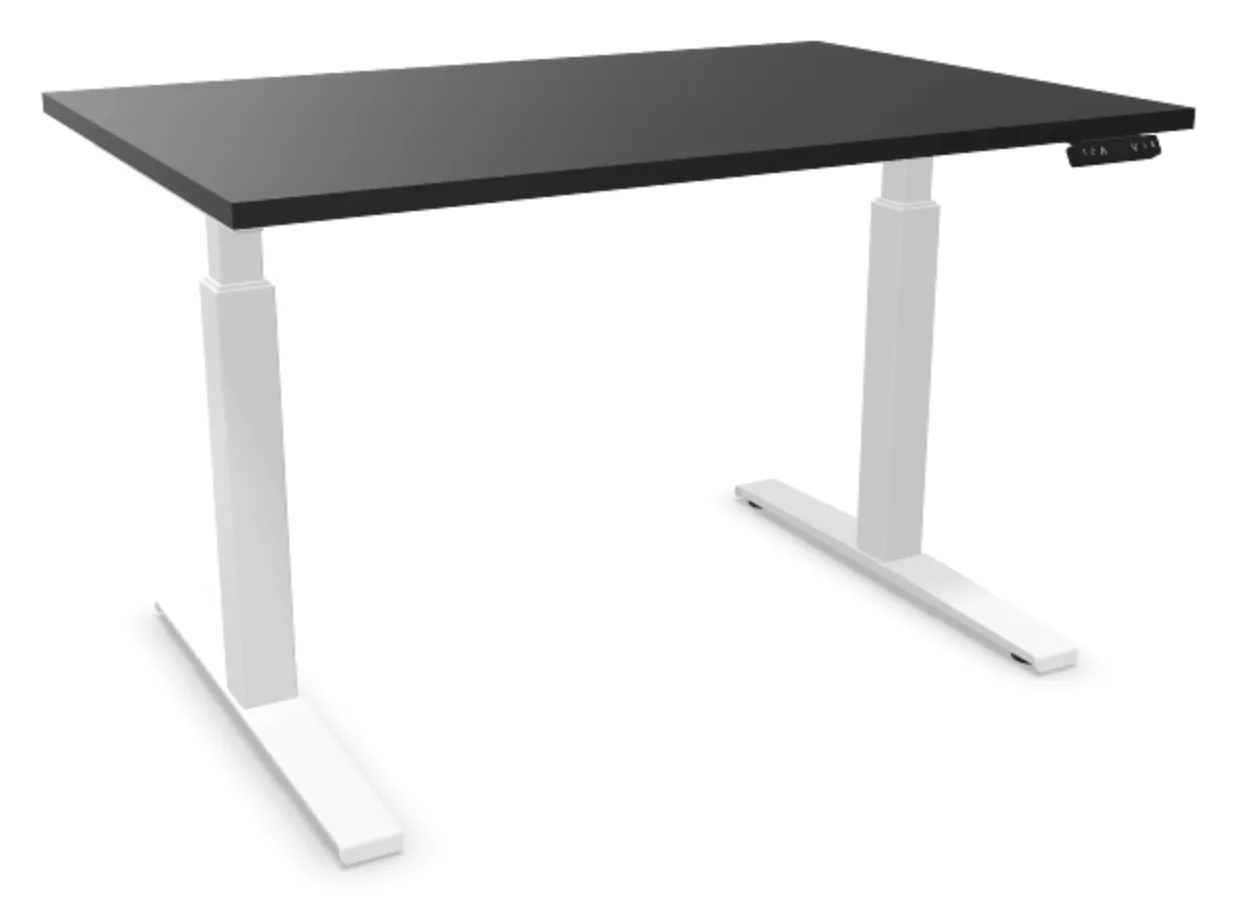
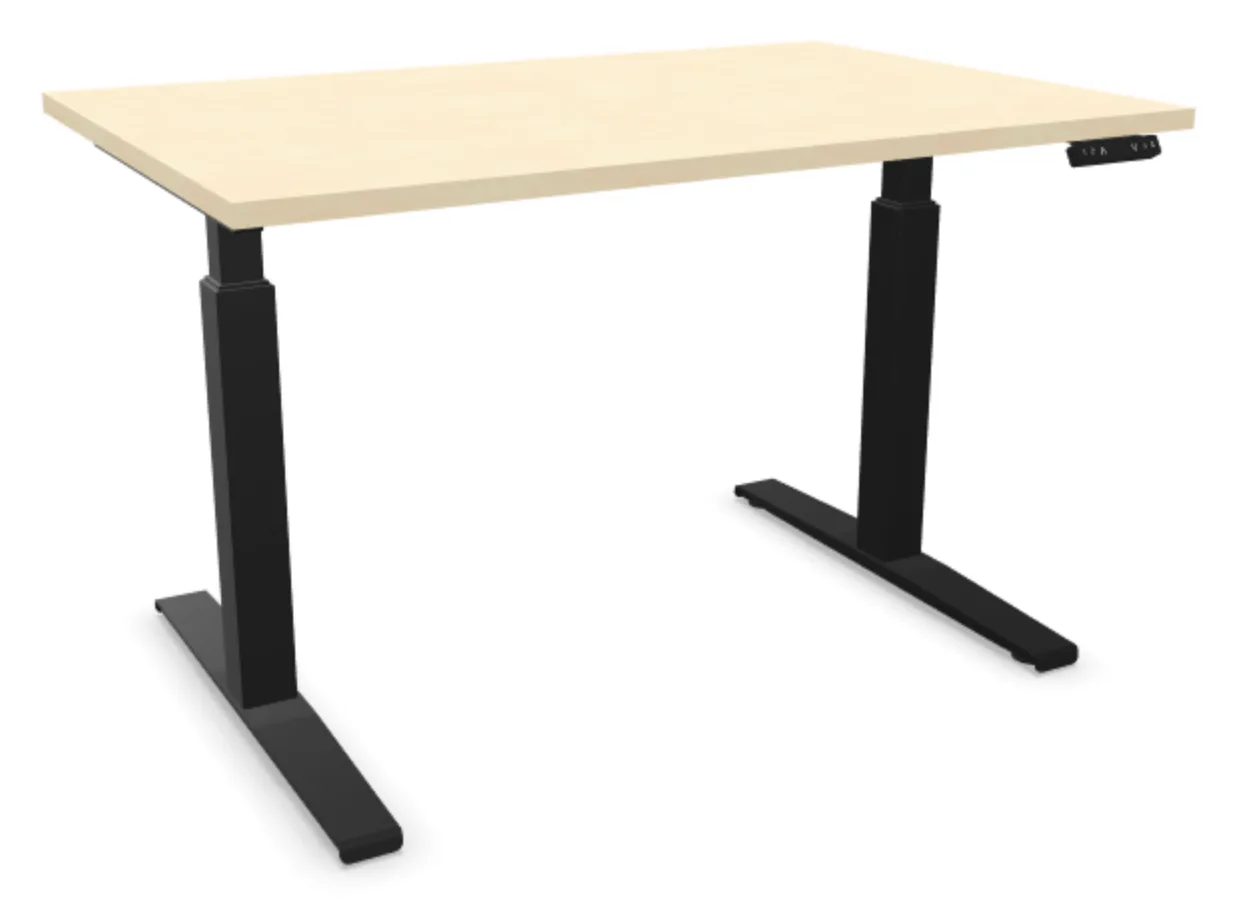
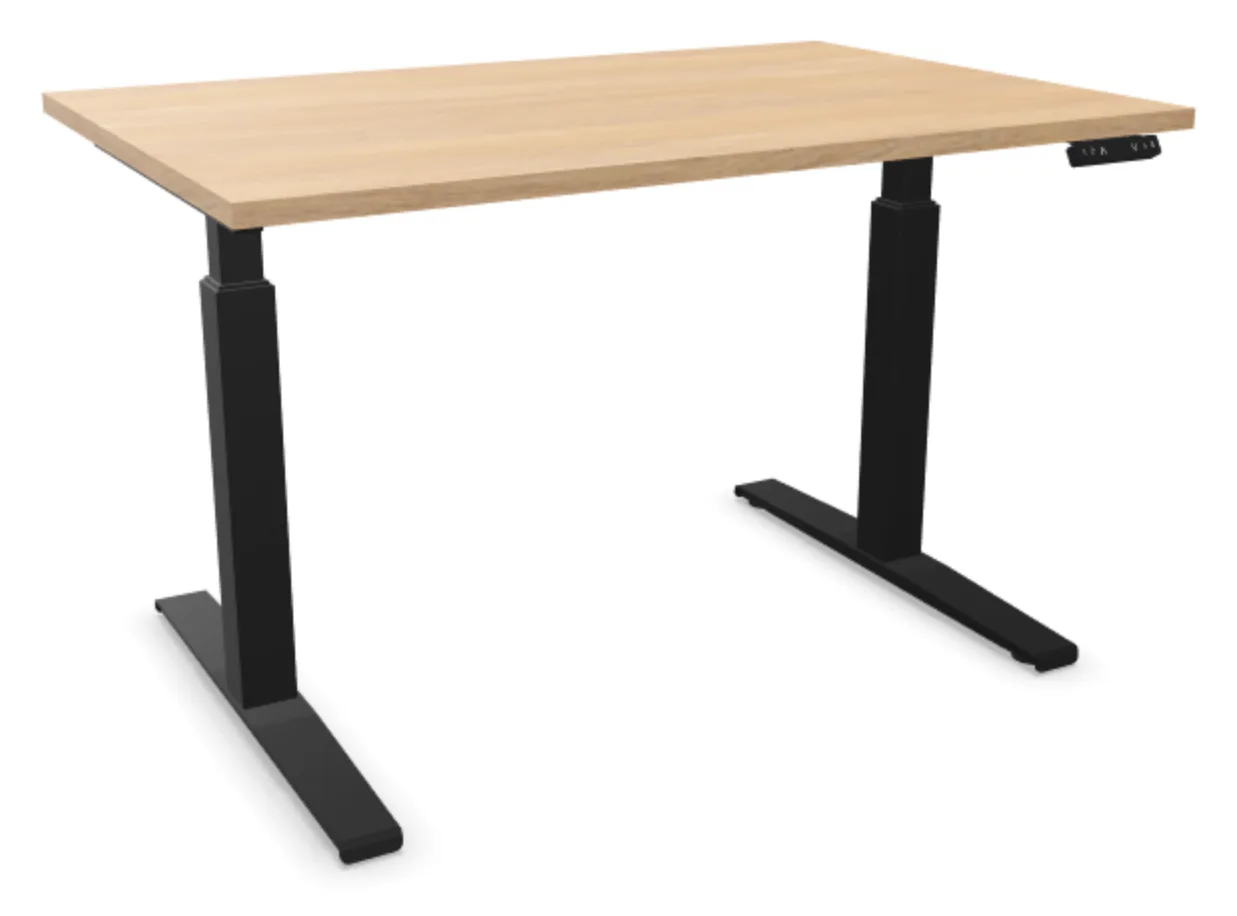
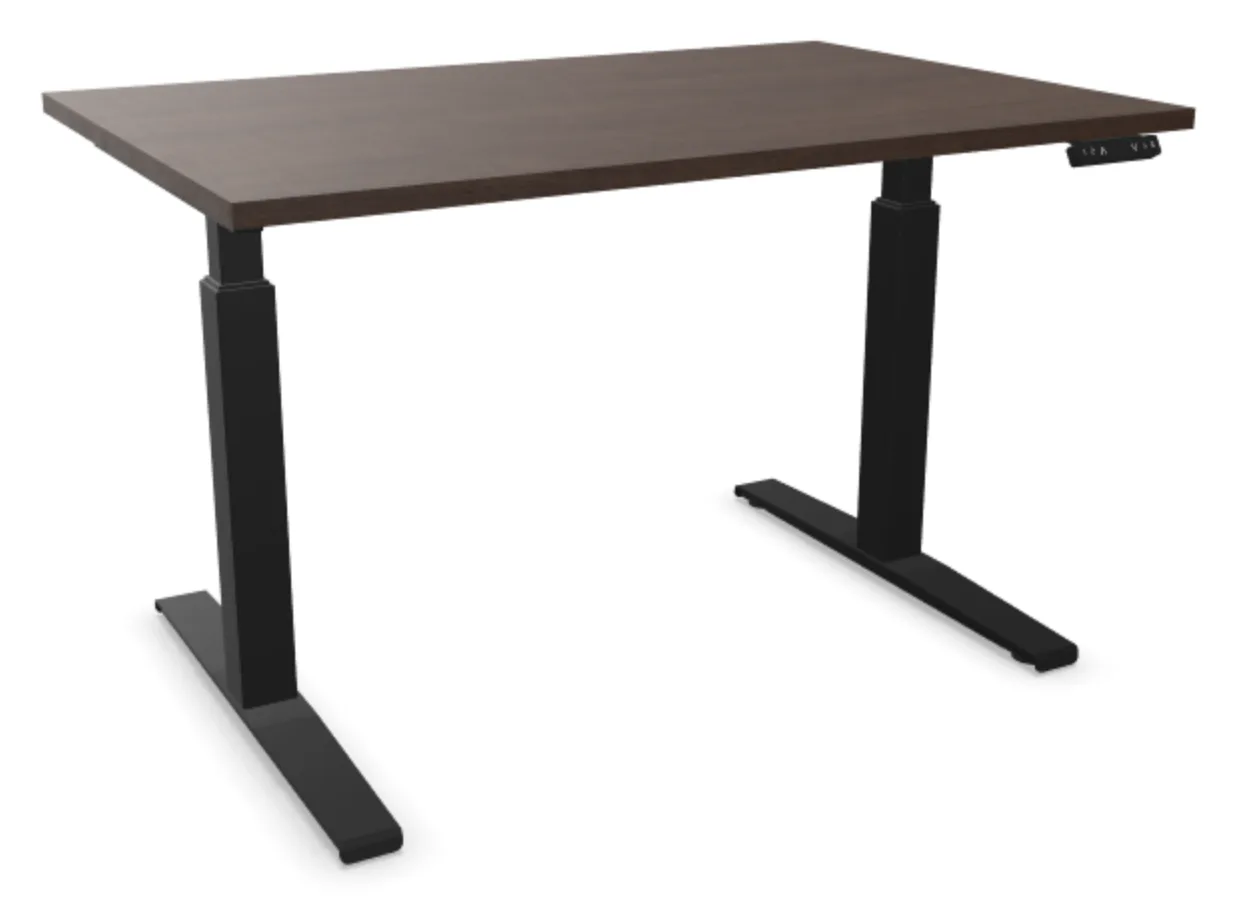
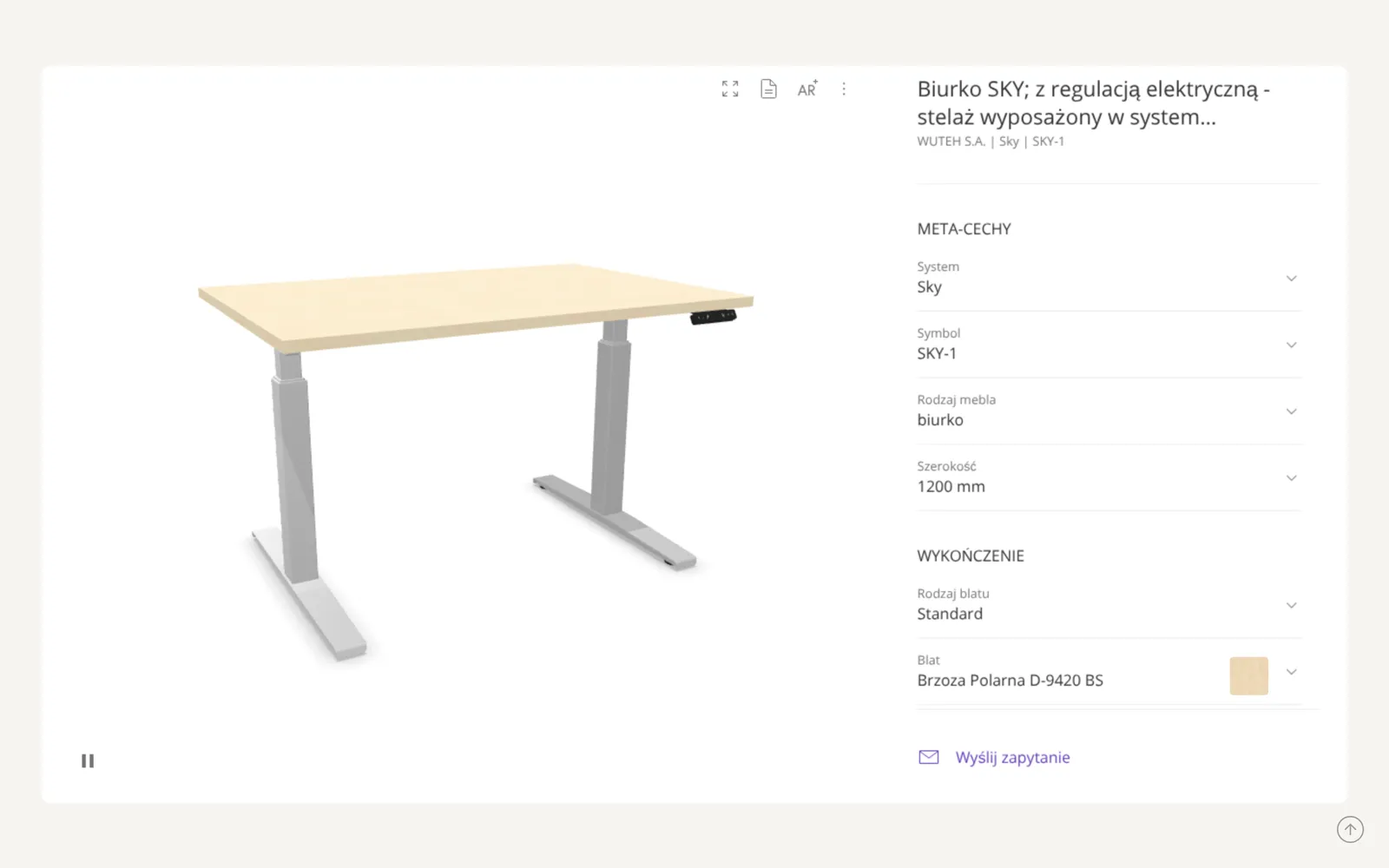
We put the pCon configurator on the product page. Customers choose the size, top, edging, frame and extras, and the finished configuration goes into the enquiry cart.
Here is a short version on the SKY desk: five tops and three frames.
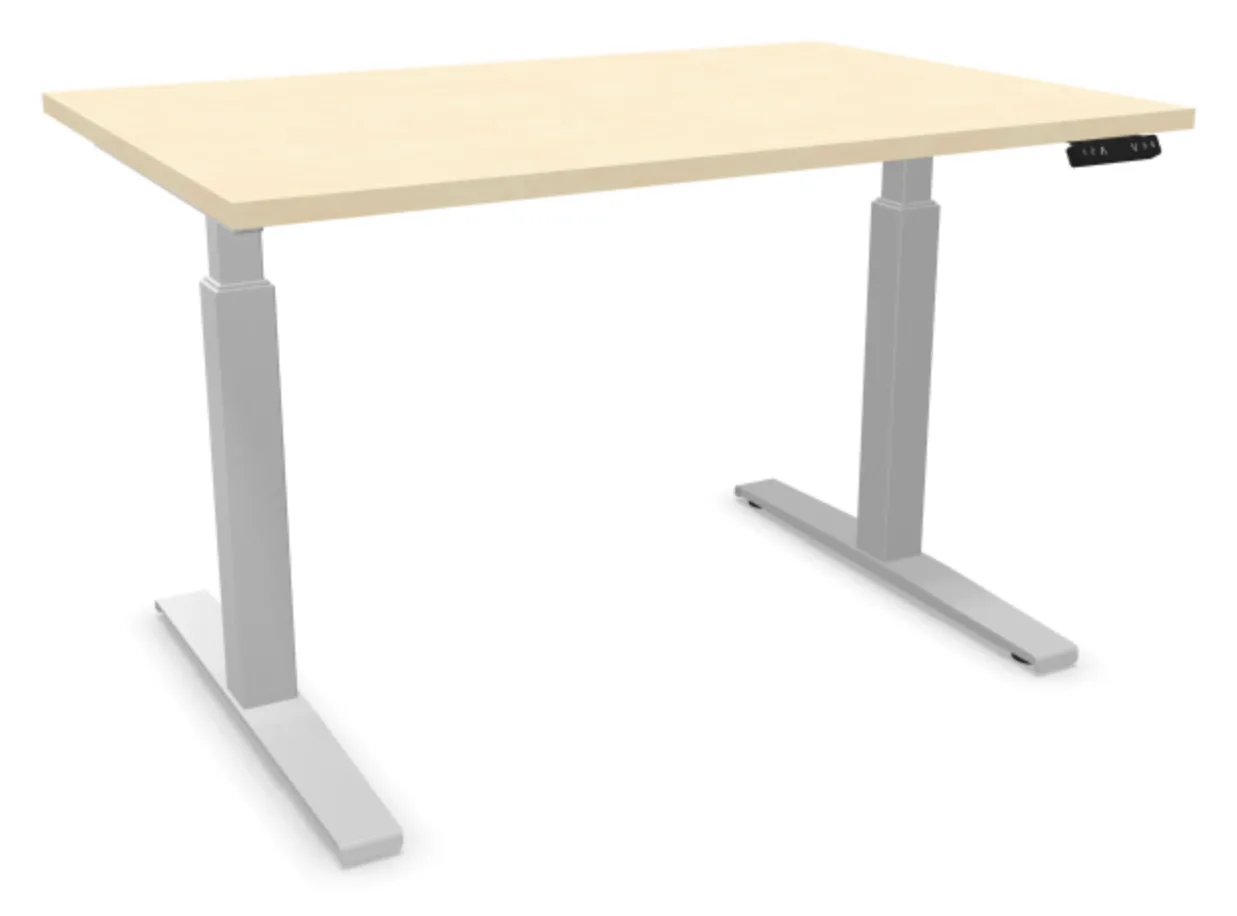
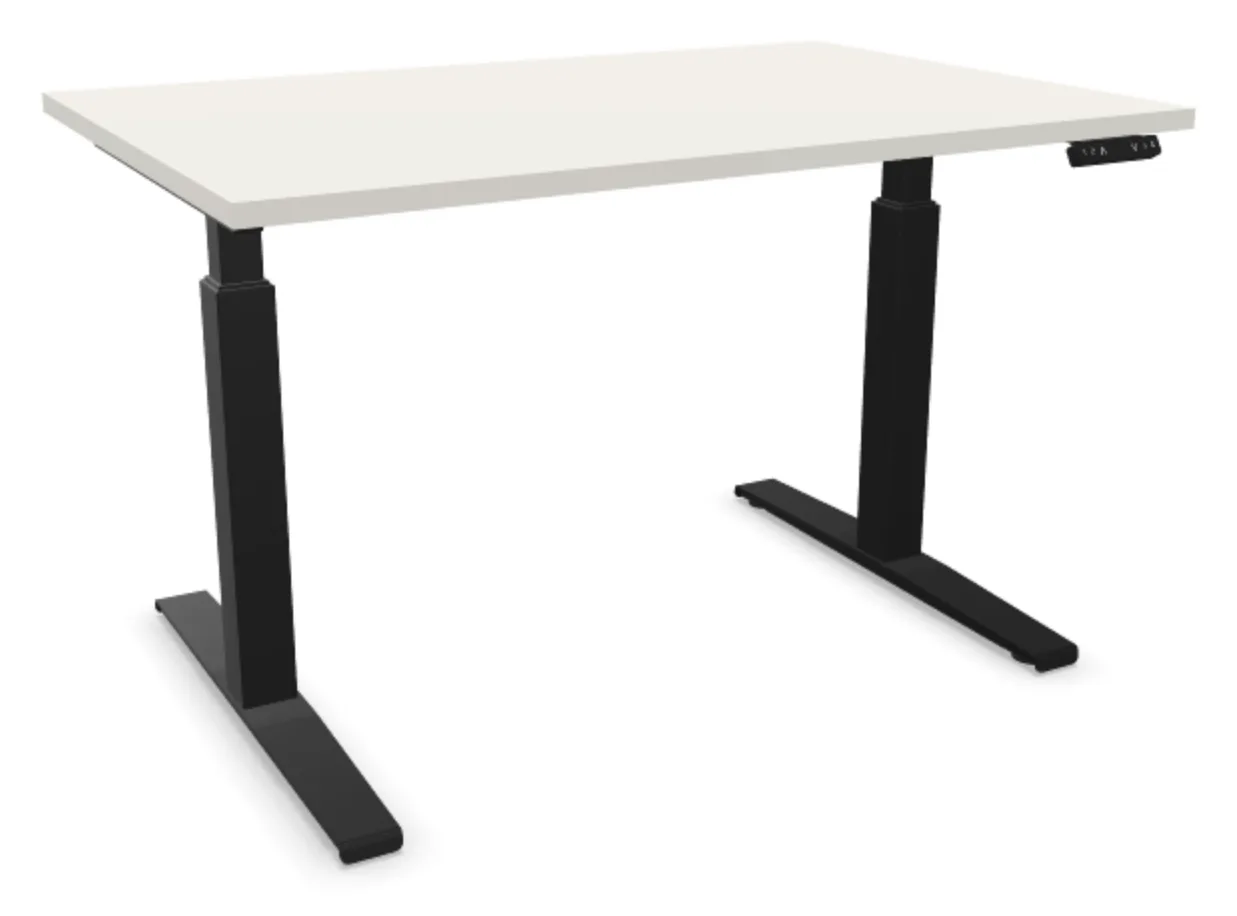
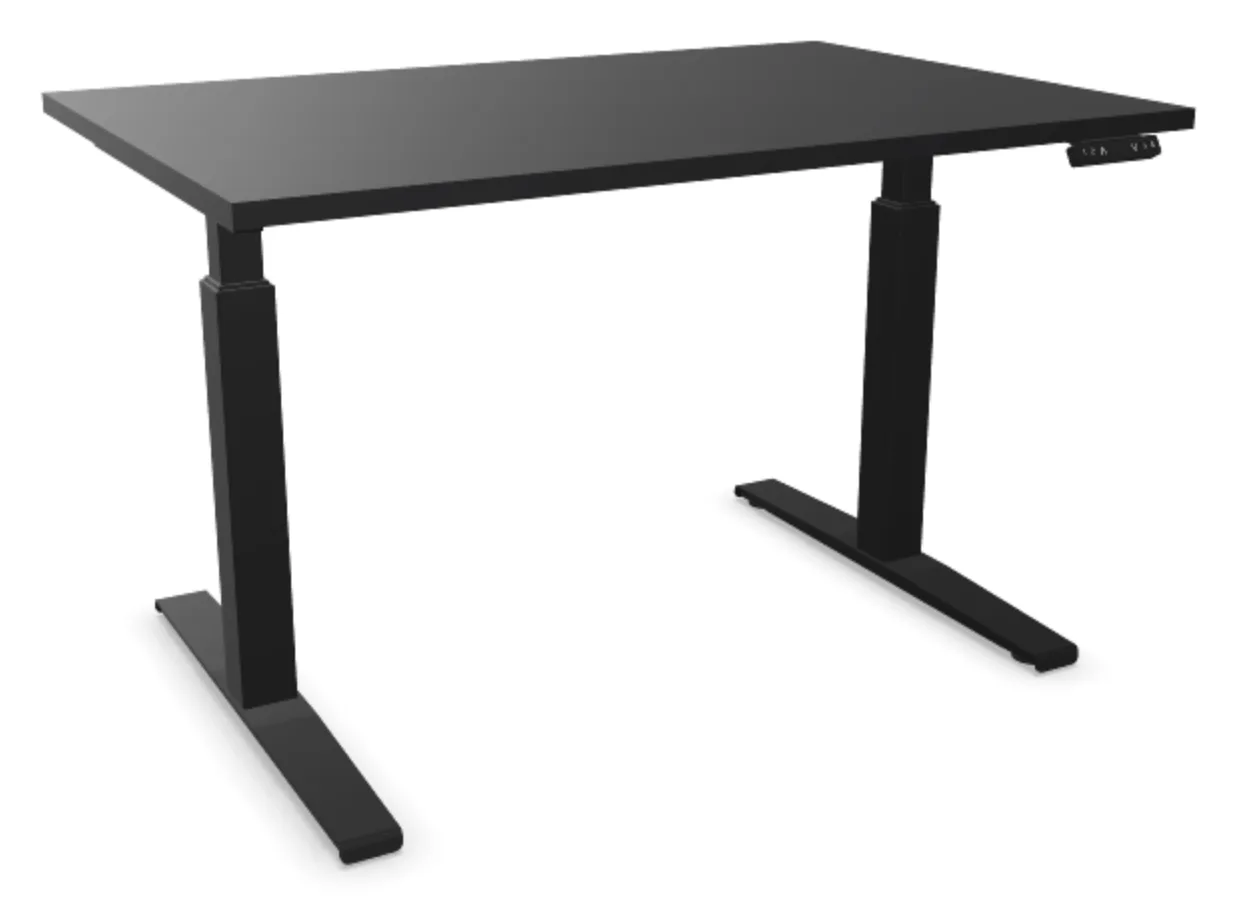
SKY · WUTEH
- Offices and open-plan spaces
- Executive offices
- Conference rooms
- Receptions
- Break-out areas
- Canteens
- Staff rooms
- Schools
- Clinics and hospitals
- Restaurants
- Outdoor
Desks and tables
- Electric desks
- Executive desks
- Workstation desks
- Conference tables
- High tables
- Mobile tables and desks
- Solid wood tables
- Coffee and side tables
Armchairs and chairs
- Office armchairs
- Conference and office chairs
- Restaurant chairs
- Bar stools
- Benches
- Gaming chairs
- Executive armchairs
- Specialist chairs
Acoustic panels and furniture
- Acoustic pods and booths
- Wall panels
- Ceiling panels
- Freestanding and mobile screens
- Hanging screens
- Desk screens
- Acoustic lamps
- Acoustic furniture
Soft seating
- Sofas
- Armchairs
- Poufs
- Benches
- Modular systems
- Bar stools and stools
Storage
- Cabinets and chests of drawers
- Pedestals and cargo units
- Lockers
- Shelving
- Cabinets and shelving on wheels
- Workwear lockers
Receptions
- Reception desks
- Sofas and armchairs
- Coffee tables
- Benches
Made-to-measure furniture
- Kitchens
- Wardrobes and built-ins
- Desks
- Counters
Complementary
- Office carpets
- Mobile walls
- Office lighting
- Metal furniture
- Agility mobile furniture
- Wallpapers
- Office plants
Accessories
- Media ports
- Monitor arms
- Coat stands
- Desk pads
- Waste bins
- Boards
- TV stands
- Planters and plant stands
Sector furniture
- Furniture for schools
- Furniture for healthcare
- Interior design
- Fit-out
- Office furniture leasing
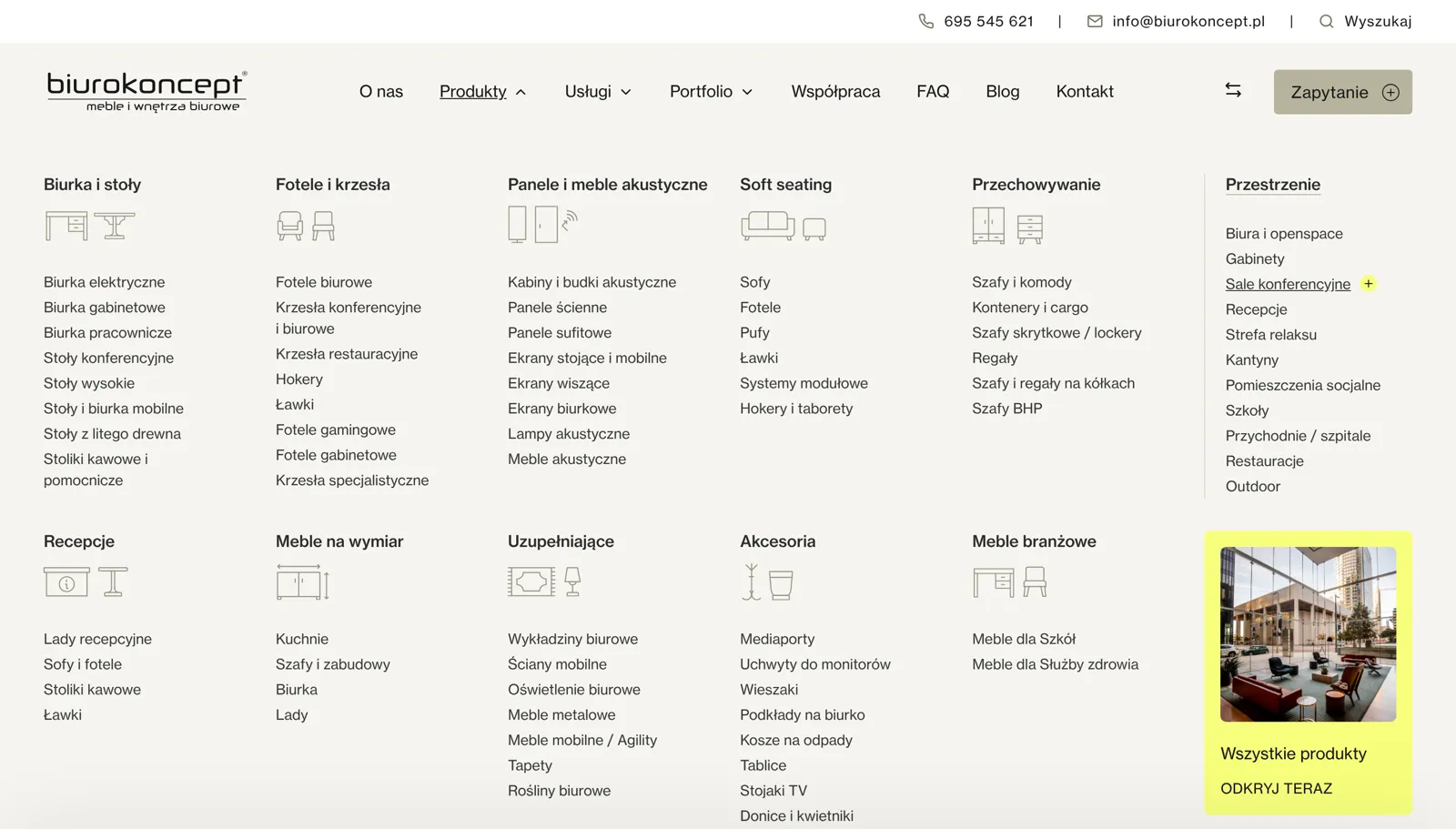
Customer path
From the conference room to a ready enquiry
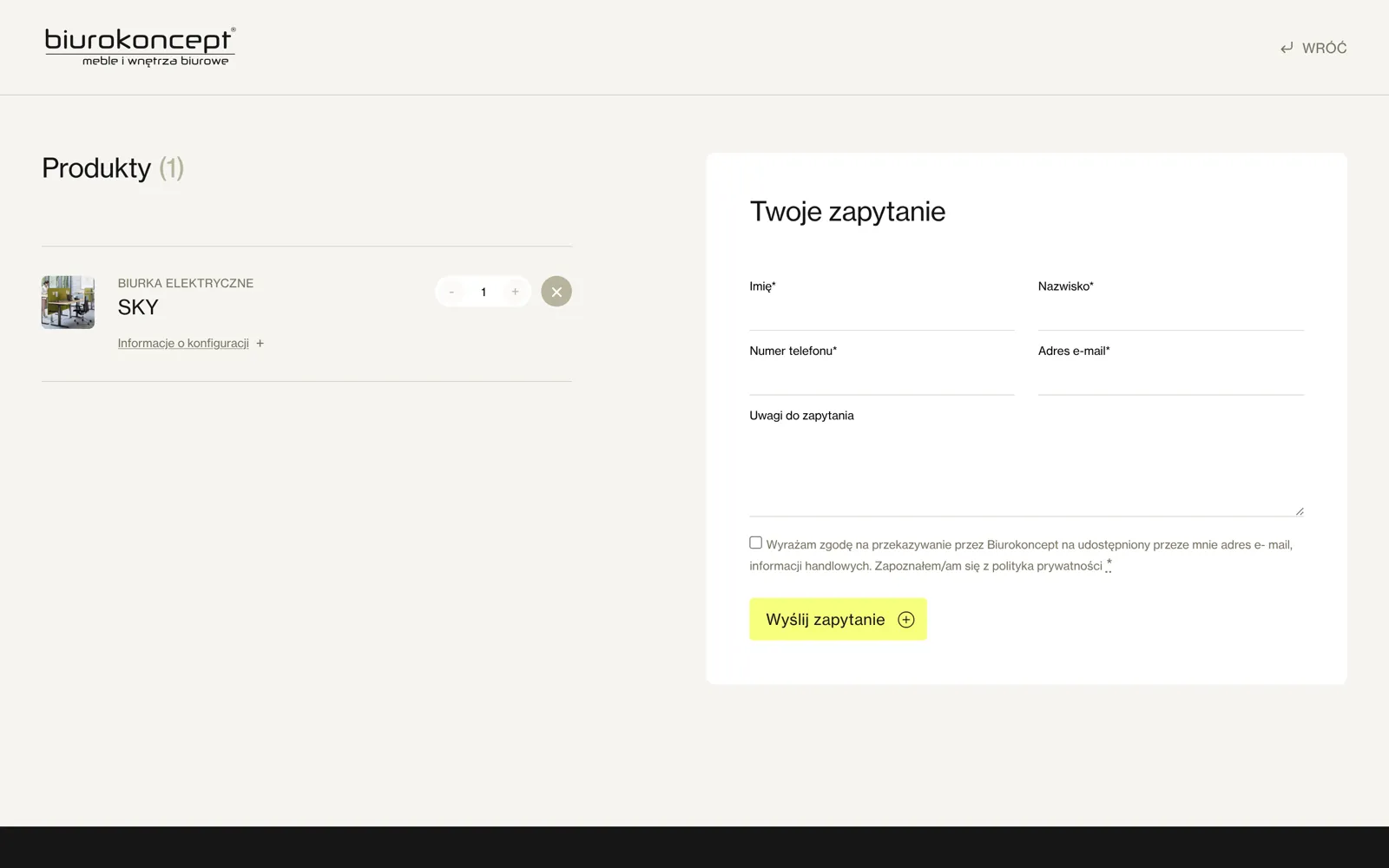
The path was meant to end with contact with a sales rep, but with something concrete in hand. The customer chooses a space, a product and its version, and Biurokoncept receives an enquiry with the full configuration: size, top colour, frame and extras.
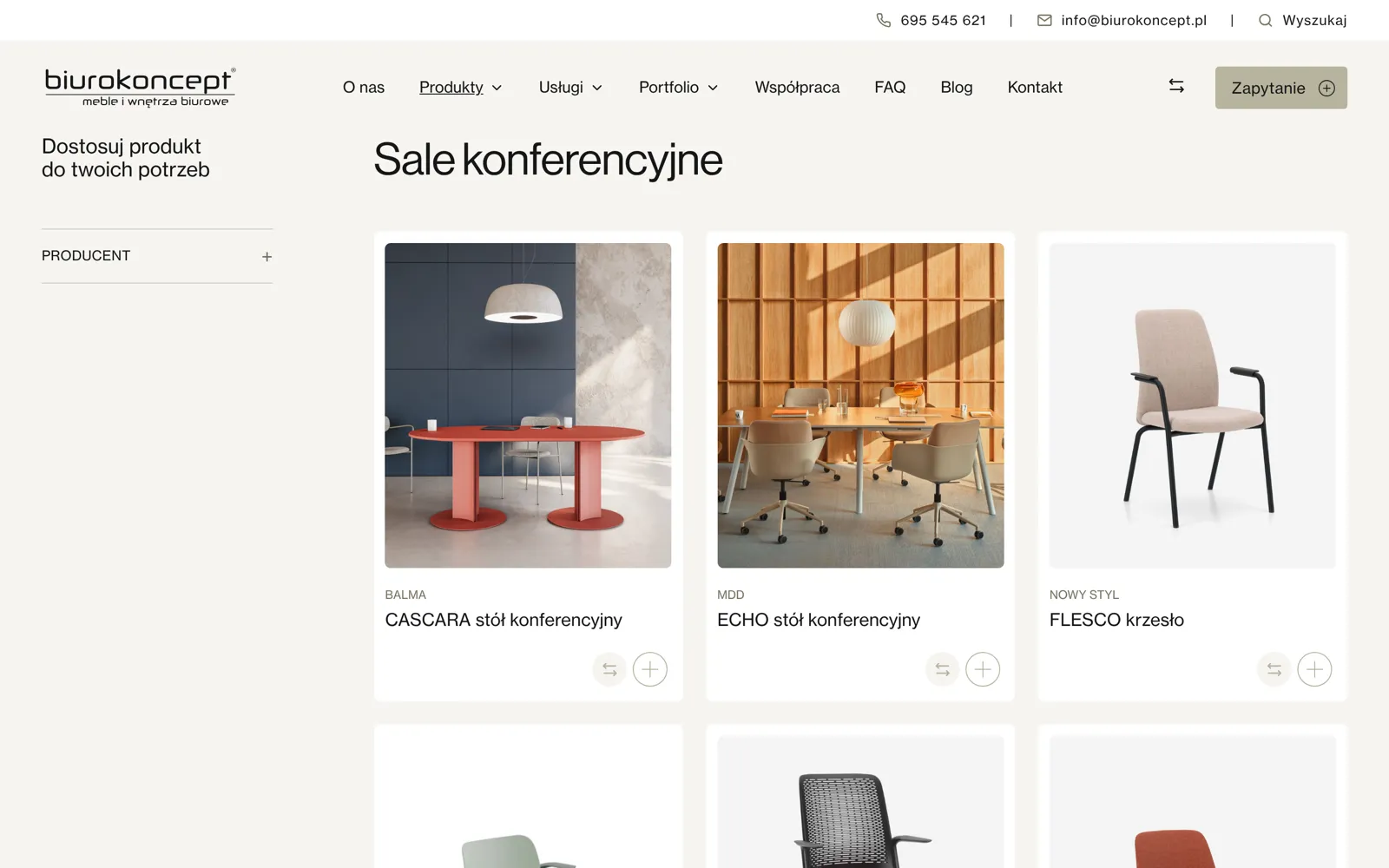
Product page
The configurator is half the job
The other half is data. pCon provides the model and the configuration, but not the attributes for filters and comparison. So we simplified the filters to what can be maintained: manufacturer, space and colour, and a standardised product page describes the rest.
Breadcrumbs
Breadcrumbs
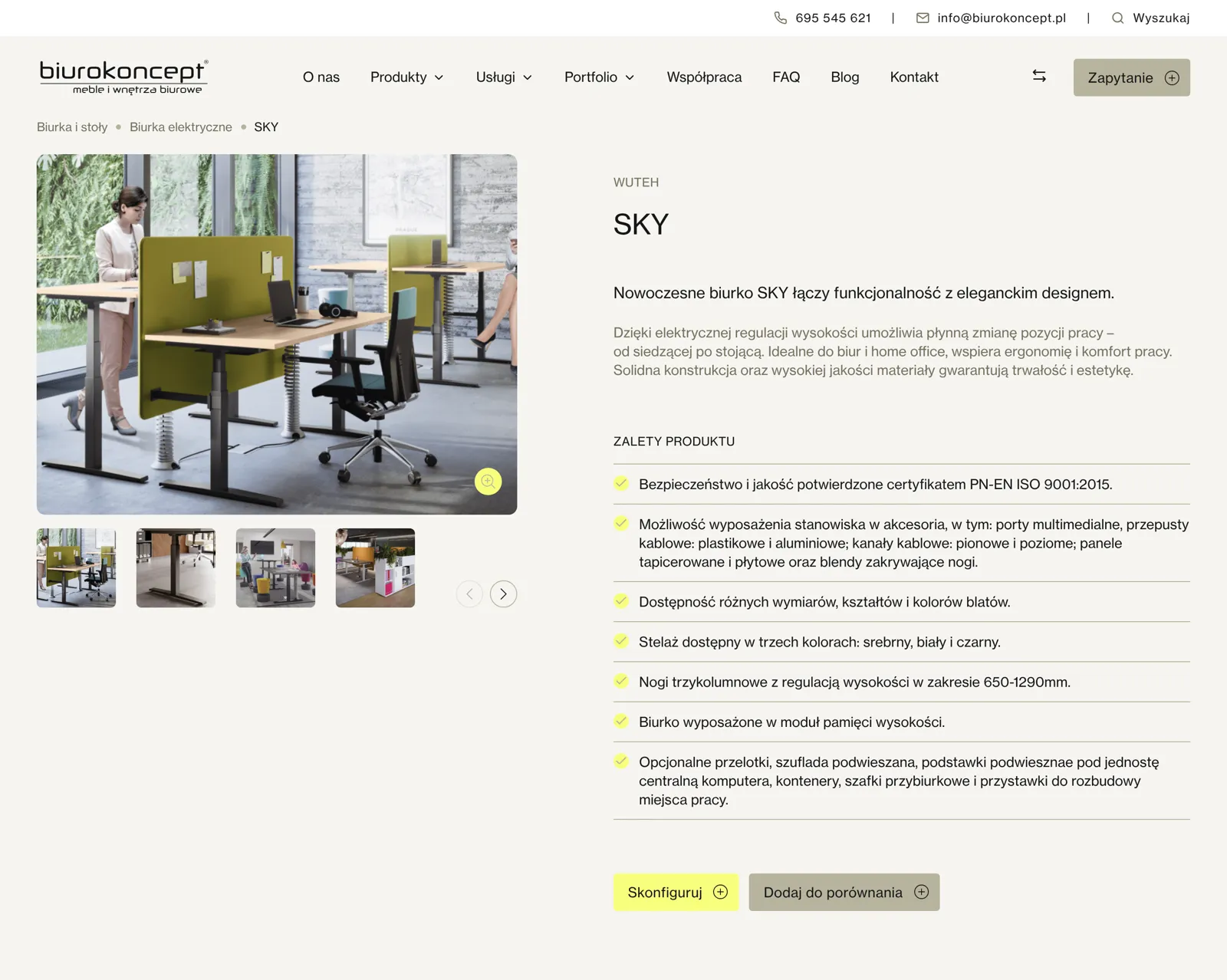
The category and subcategory above the photo, to go up a level in one click.
Gallery
Gallery
Photos of arrangements, showing the desk in a real office, not just on a white background.
Manufacturer above the name
Manufacturer above the name
At the Biurokoncept team's request, the manufacturer's brand sits above the product name, both on the list and on the product page.
Product benefits
Product benefits
One list of benefits in the same layout for over a thousand products from different manufacturers.
Configure
Configure
Opens the pCon configurator below the description. The finished configuration goes into the enquiry cart.
Comparison
Comparison
We built the product comparison as a separate stage of work. The attributes for comparison are filled in by hand.
Questions and answers
Biurokoncept and fluostudio
What we did, how and why, in short answers.
Questions about working with us and our services
What did fluostudio do for Biurokoncept?
We designed and built the new biurokoncept.pl website, with a furniture catalogue, the pCon configurator and an enquiry cart. The work covered:
- strategy workshops with the Biurokoncept team
- information architecture and UX/UI design for desktop and mobile
- the website's key visual and animations
- a WordPress theme with an admin panel for managing products
- the pCon configurator on the product page, and the enquiry cart
- moving products over from the old shop, filling in gaps and making the data consistent
- deployment on the client's server, team training and a recorded guide
- the launch with a redirect map, together with the client's SEO agency
Is the configurator on biurokoncept.pl a fluostudio tool?
No. The configurator is pCon, an off-the-shelf furniture configuration tool. We put it on the product page and connected it to the enquiry cart: customers put a product together, and Biurokoncept receives an enquiry with the full configuration, including size, top colour, frame and extras.
Why don't the catalogue filters use attributes from pCon?
Because pCon doesn't provide them: it gives the model and the product configuration, but not the attributes for filters and comparison. So we limited the filters to what can be maintained: manufacturer, space and colour. A standardised product page describes the rest, and the team fills in the attributes for the comparison tool, built as a separate stage, by hand.
How did the move from the old shop to the new website work?
The old shop ran on Redcart. We moved the products over, filled in the gaps and made the data consistent: manufacturer, categories, spaces, descriptions and benefits. We prepared the launch together with the client's SEO agency: a redirect map leads the old product addresses to the new ones, and we checked the site in audits before and after publication, including indexing and data in Google Search Console.
Can the Biurokoncept team expand the website on its own?
Yes. The website runs on WordPress with WooCommerce. The team got training and a recorded guide on how to add a product and connect the configurator to it. Since launch, pages on ESG and ergonomics, downloadable materials behind a login, landing pages for enquiries, and furniture for schools and healthcare have been added.
More projects
-
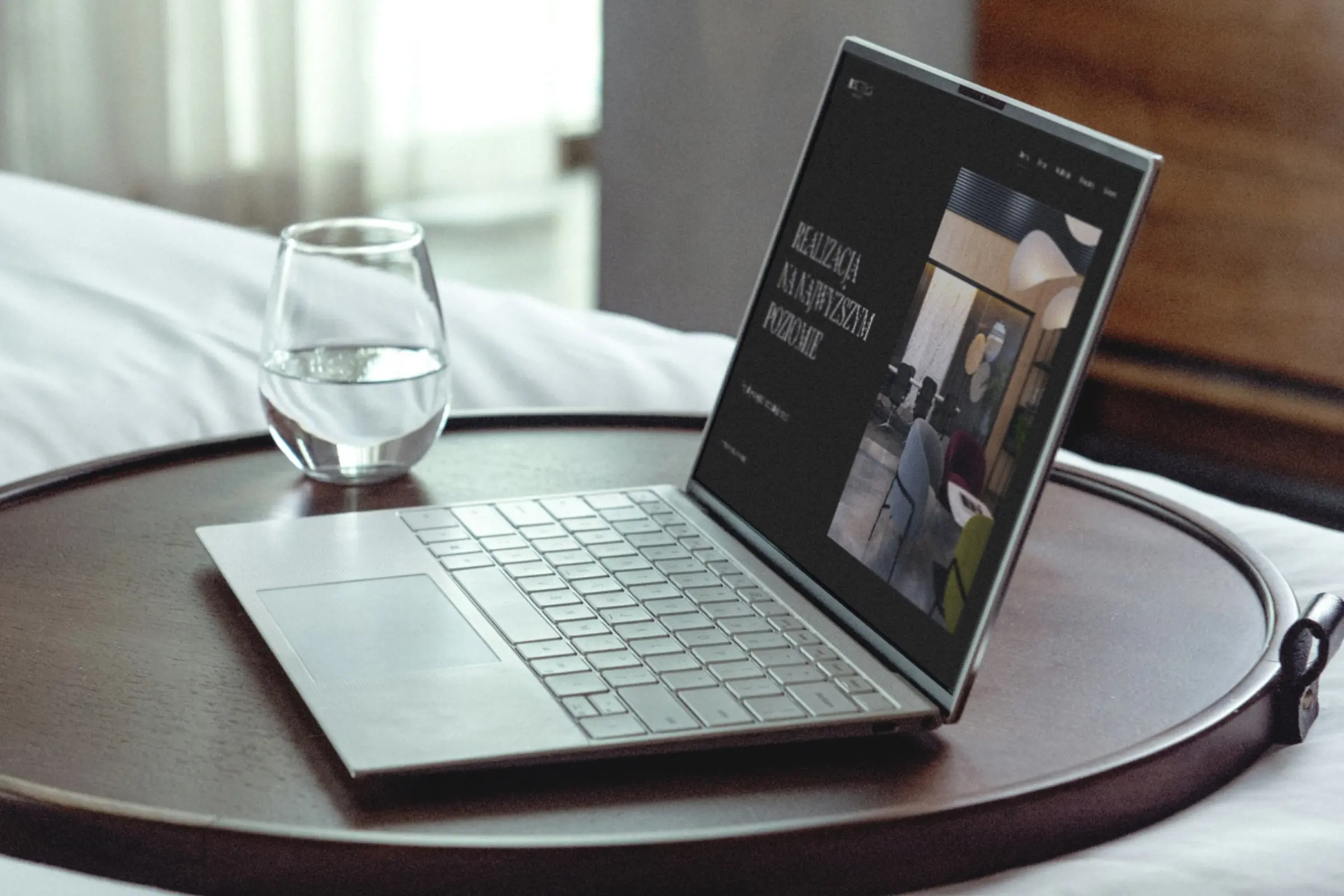 Septima Design
We refreshed the logo of an interior design studio from Kraków and designed its identity, website and a catalogue of 26 product cards.
-
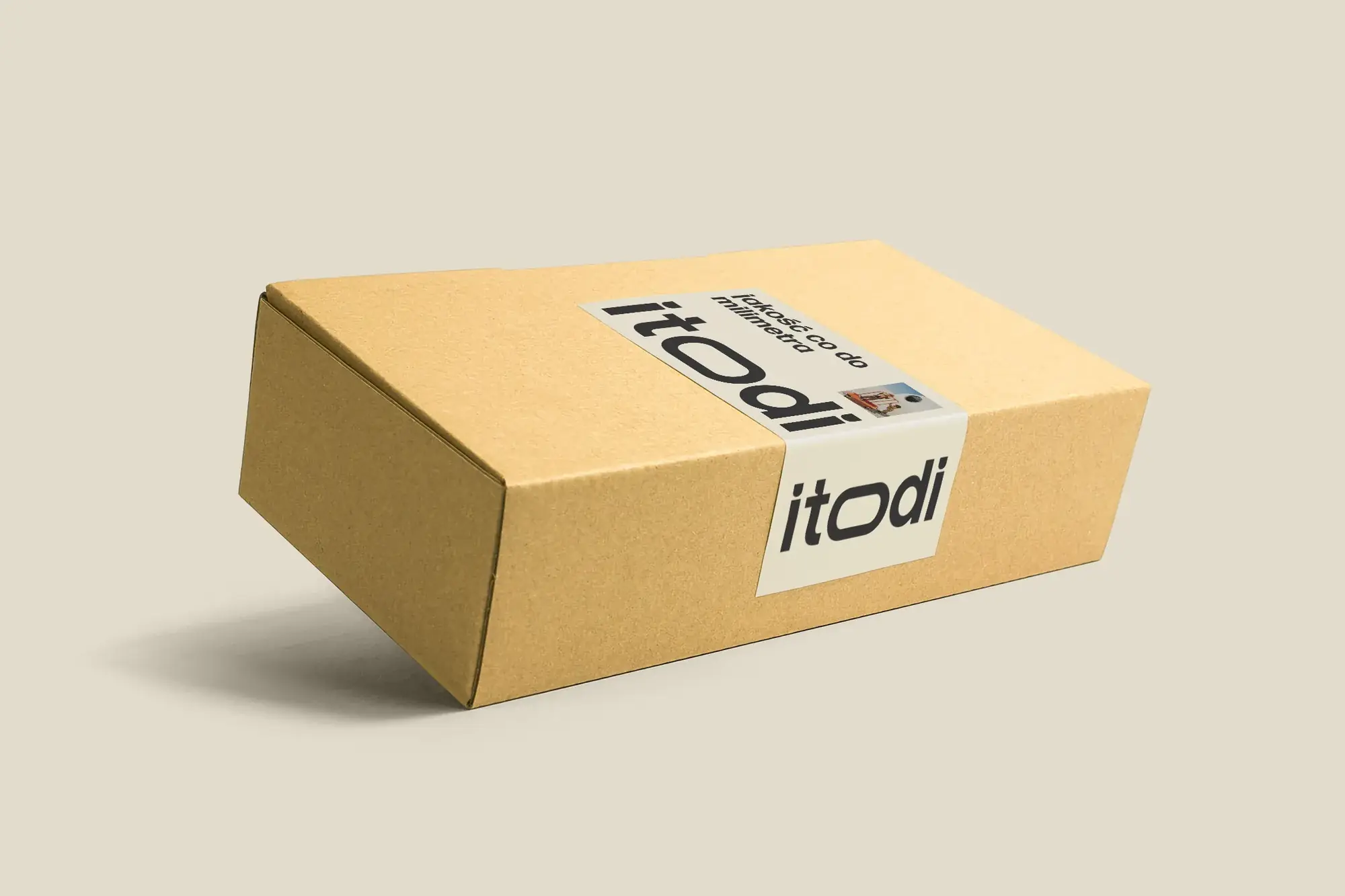 Itodi
A new made-to-measure furniture brand built from scratch: the name, a logo with a stretched “o”, the design of a shop with a configurator, an instruction leaflet and packaging.
-
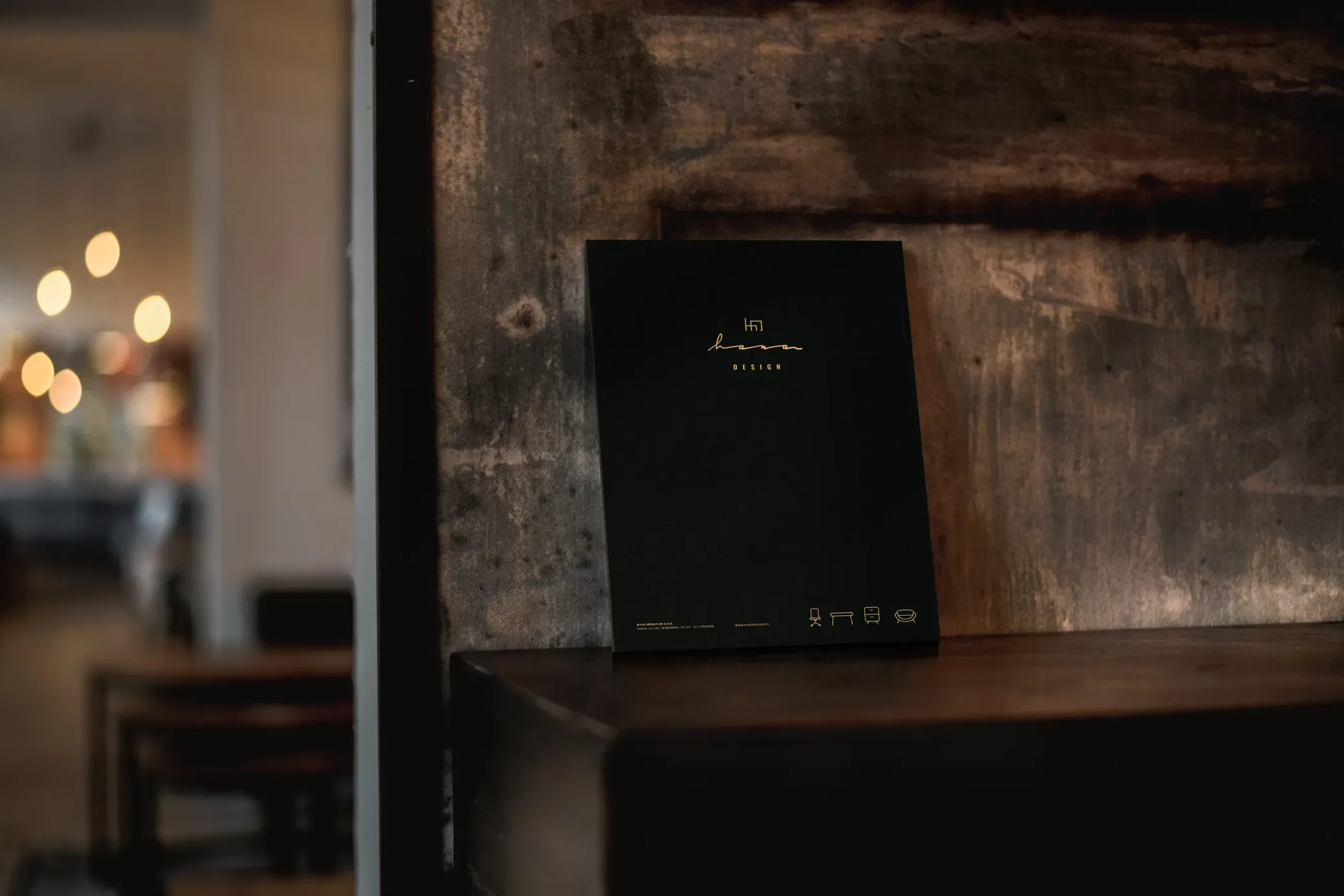 Hana Design
A logo refresh, materials for architects, a website with a product configurator, and vehicle wraps.
-
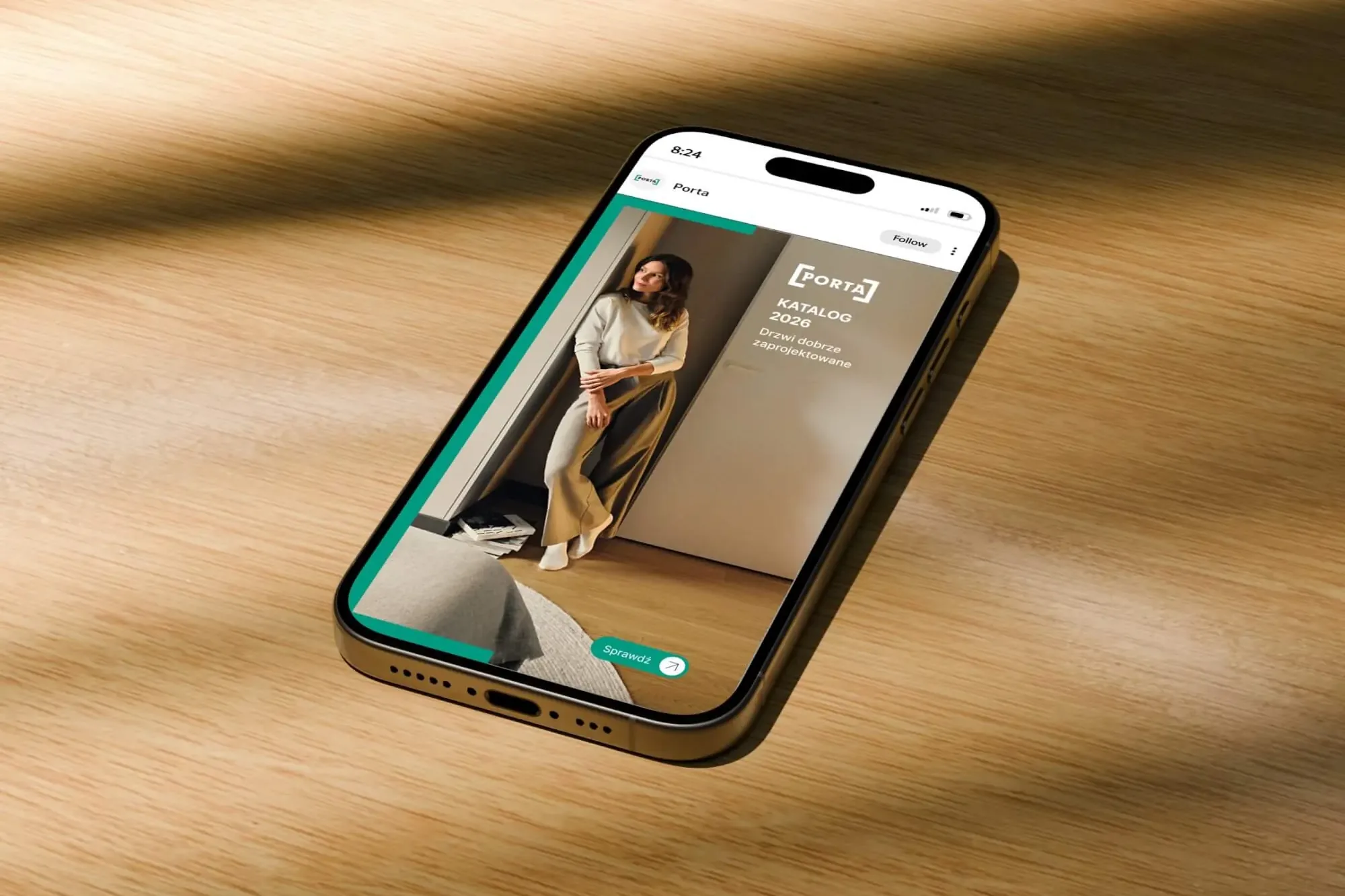 Porta Drzwi
A design system for an existing logo: a frame taken from the logo, grids, icons, drawings, a catalogue, porta.com.pl, social media and sales materials for a door manufacturer.
-
 Mily Group
A rebrand for a deer antler supplier: communication strategy, logo, logo guidelines, the milygroup.com website and trade fair materials.
-
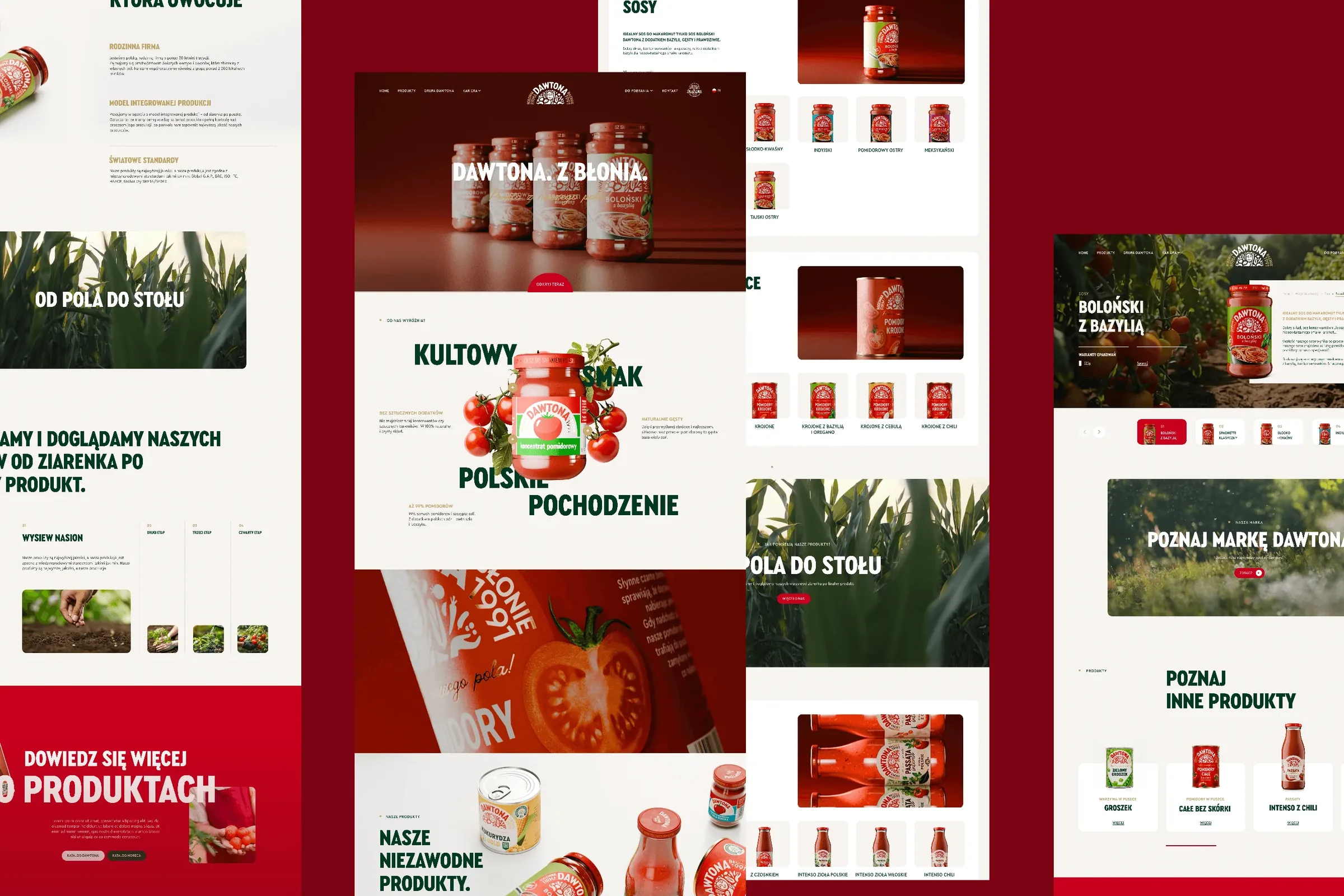 Dawtona Group
All of Dawtona's communication beyond the shelf: over 90 projects, from posts and trade fair stands to four websites and animations.
-
 Overmax
UX/UI design for the Overmax shop: RC cars in cinematic shots, a carefully worked-out product page, a category menu and a quiz that picks a model for you.
-
 Design Optyk
A family-run chain of premium eyewear stores: an identity without gold, in-store materials and a new online shop linked to the stock of six of its seven stores.
-
 Fundacja MultiSport
An identity with a design system in Figma, a WCAG-compliant website and a brand hero duo that gets people moving.
-
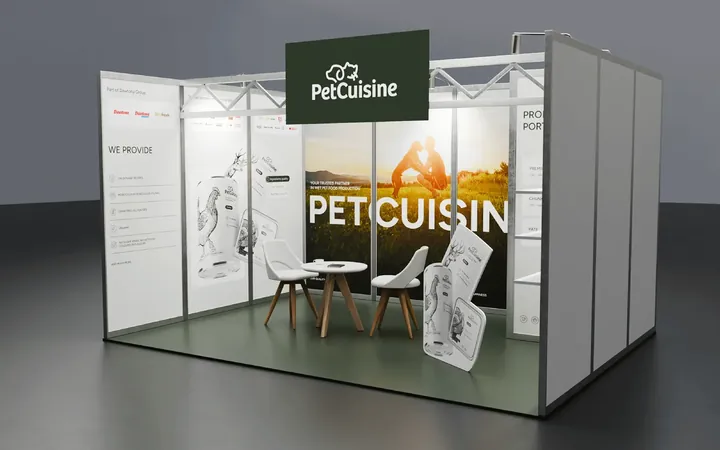
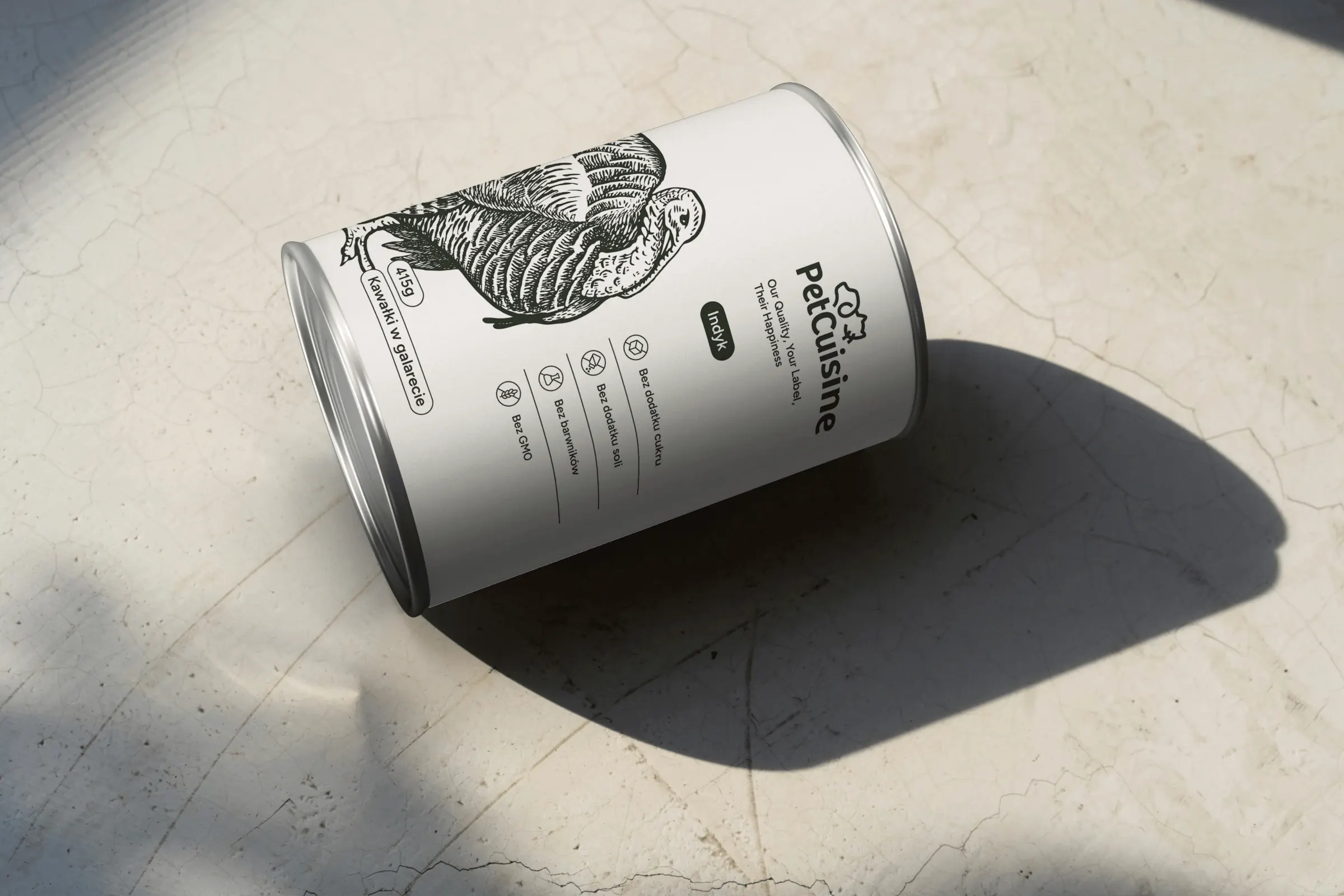 PetCuisine
We built a brand from scratch for a pet food manufacturer in the Dawtona Group: from the name and tagline, through packaging in 12 flavours and the website, to trade fair stands across Europe.
-
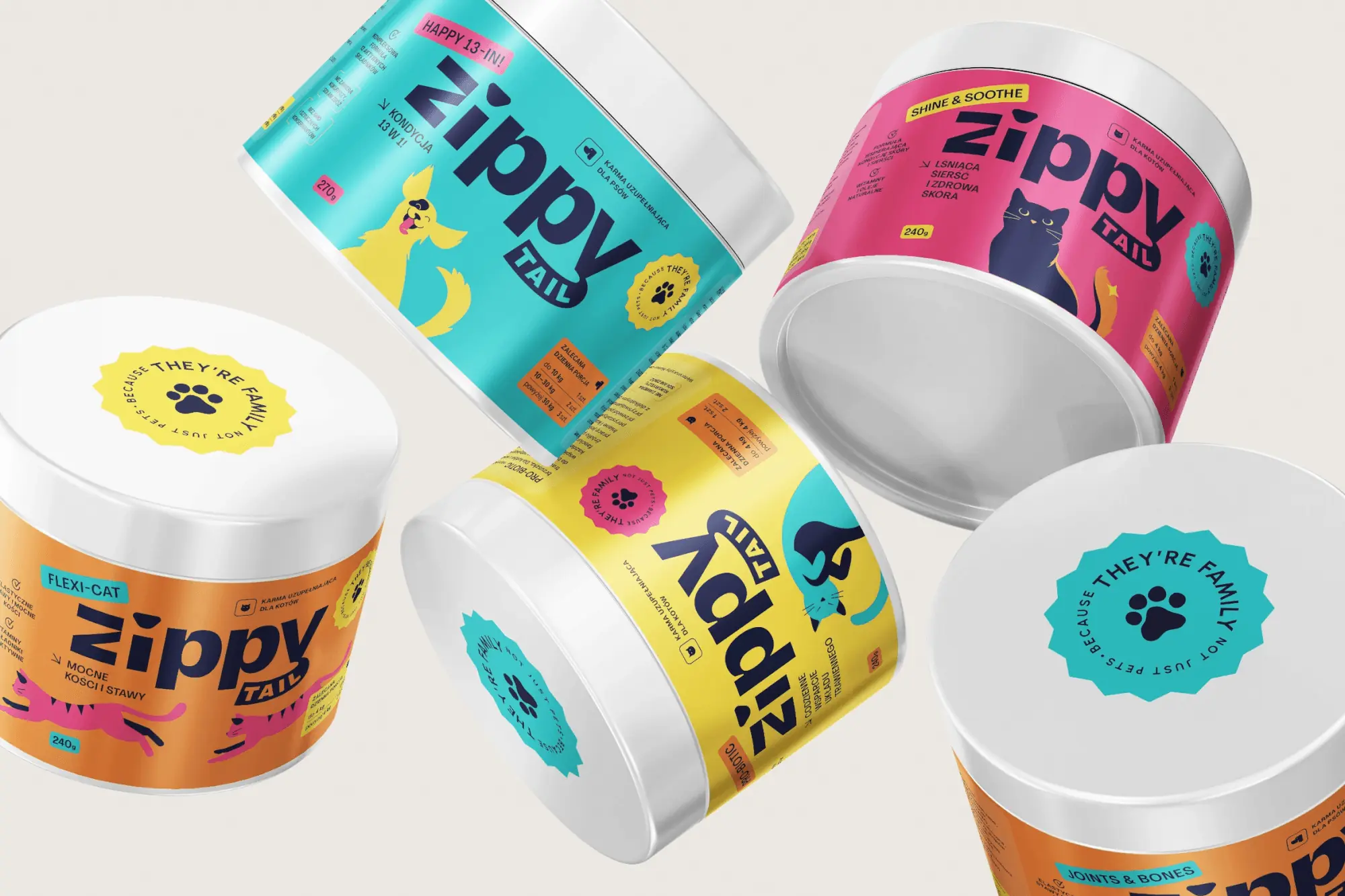 Zippy Tail
We built the Zippy Tail brand from scratch: the name, strategy, labels for eight supplements for dogs and cats, the shipping box and the shop design.
-
 Intima Clinic
Six medical brands in one group. Workshops, names, identity, clinic signage, print, animations and the intimaclinic.pl website.
Facing a similar challenge?
Tell us what you want to change. In a first, no-obligation call we will see whether and how we can help.